274 Océ TCS400 User manual
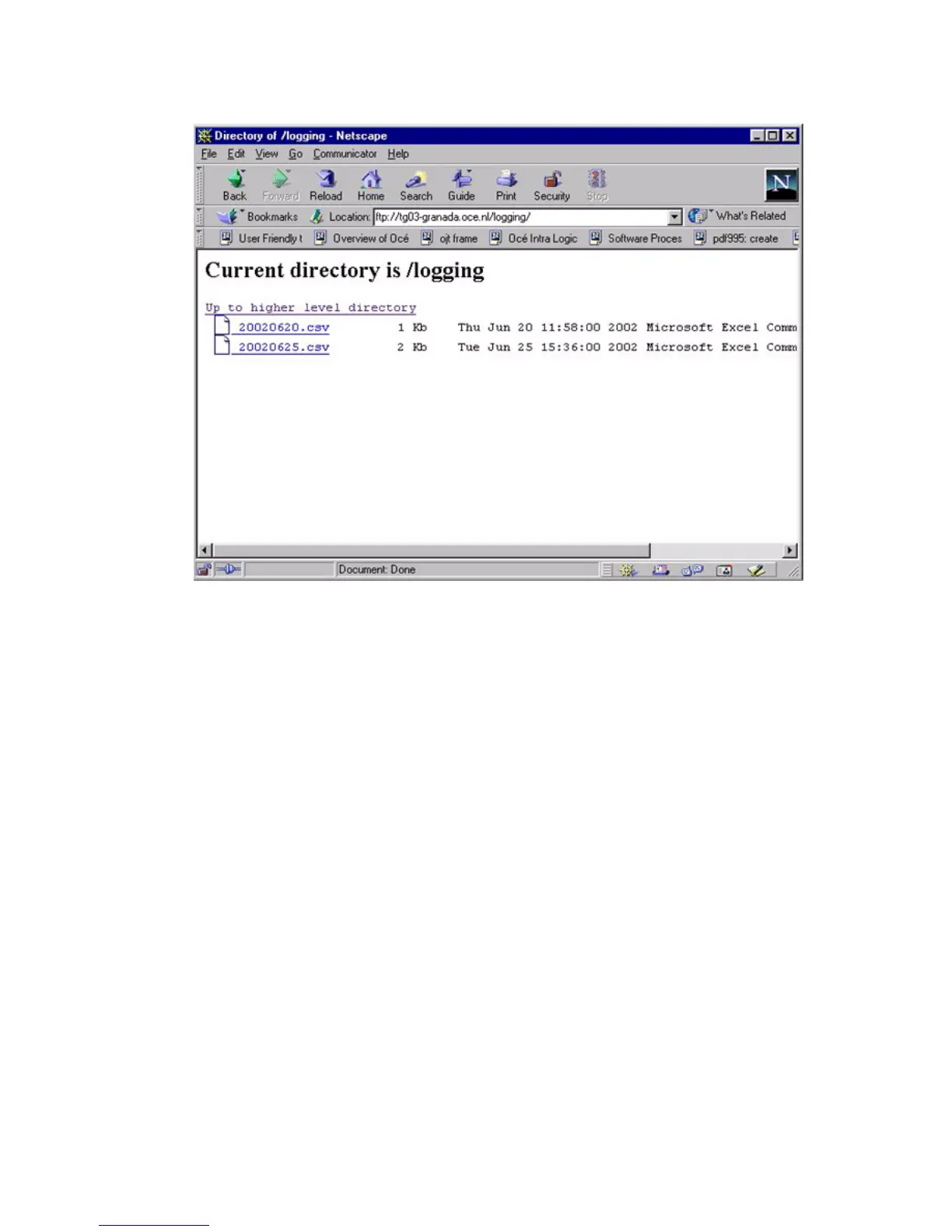
3 Browse to the 'Logging' directory.
The account log files are shown.
[77] The account log files
[77] The account log files
4 Save the account log files to any destination on your system.
How to get the account log files through FTP from an MS-DOS® box
1
Launch an FTP client.
2 Enter the ftp command.
An MS-DOS
®
box appears with the FTP prompt.
3 Enter the Open command.
4 Enter the host name or the IP address of the Océ Power Logic
®
controller.
5 Press 'Enter'.
The connection with the controller is now established and a window appears
asking you for a user name.
Note: Instead of the steps 2 through 5, you can also enter ftp (host_name) in
the FTP client.



 To Next Page