80 Océ TCS400 User manual
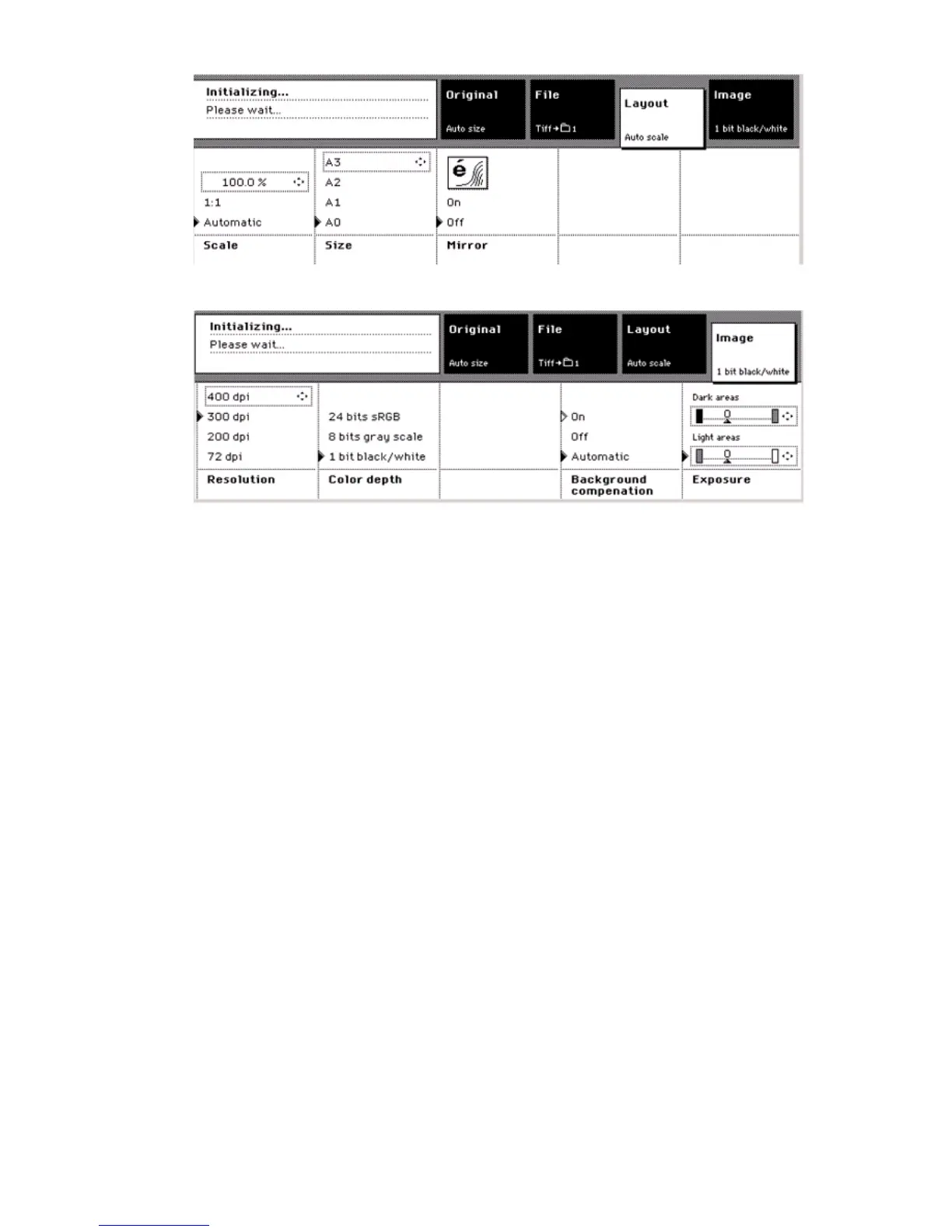
[27] The Layout c ard
[27] The Layout card
[28] The Image card
[28] The Image card
Use the settings on the 'Original' card for the following:
■ Define all the settings that deal with the original
■ Define the size of the original
■ Remove a leading strip.
Use the settings on the 'File' card for the following.
■ Define all the settings that deal with the destination and file output
■ Select the destination for scan to file
■ Define the file format
(see ‘File formats for scan to file’ on page 91)
■ Define the file compression
(see ‘The settings that control the file size and the image quality’ on
page 86)
■ Define the file organization for 'TIFF' files
(see ‘The settings that control the file size and the image quality’ on
page 86)
Use the settings on the 'Layout' card for the following:
■ Define all the settings that deal with the layout changes
■ Define the scale factor
■ Mirror the image.



 To Next Page