10-4 Catheter Rack
Service Procedures
1-, 2-, 3-Cell Color Touch Installation and Service Guide/67-2014 Rev G © 2011 Omnicell, Inc.
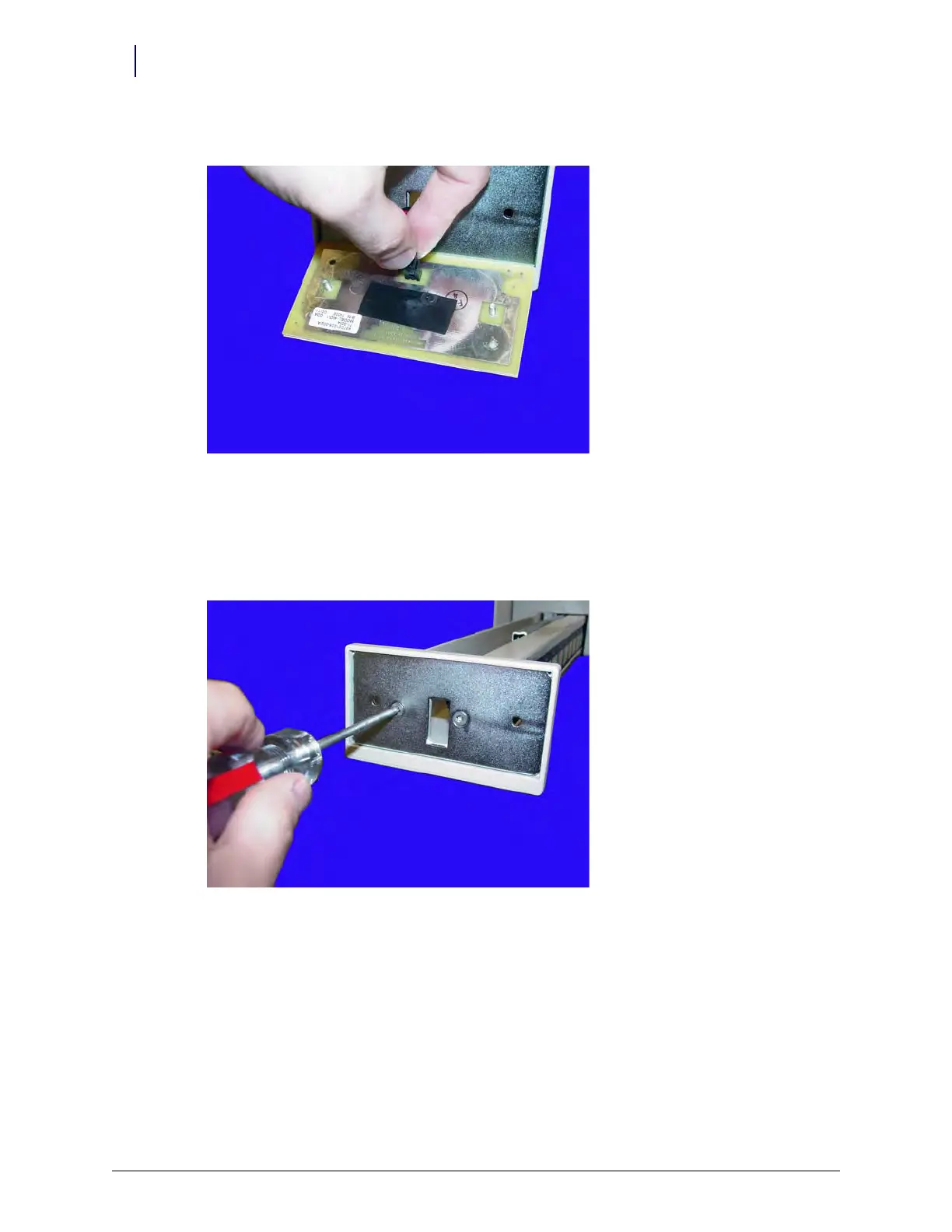
3. Disconnect the LED cable from the front LED panel, then remove the panel.
Figure 10-3. Disconnect the LED cable
Front Plate
1. Perform the procedures described in “LED Panel” on page 10-3.
2. Remove the two screws on the plate handle.
Figure 10-4. Remove the two screws on the plate handle



 To Next Page