12-12 Installing a G4 Console
Prepare for Installation of the G4 Console
1-, 2-, 3-Cell Color Touch Installation and Service Guide/67-2014 Rev G © 2011 Omnicell, Inc.
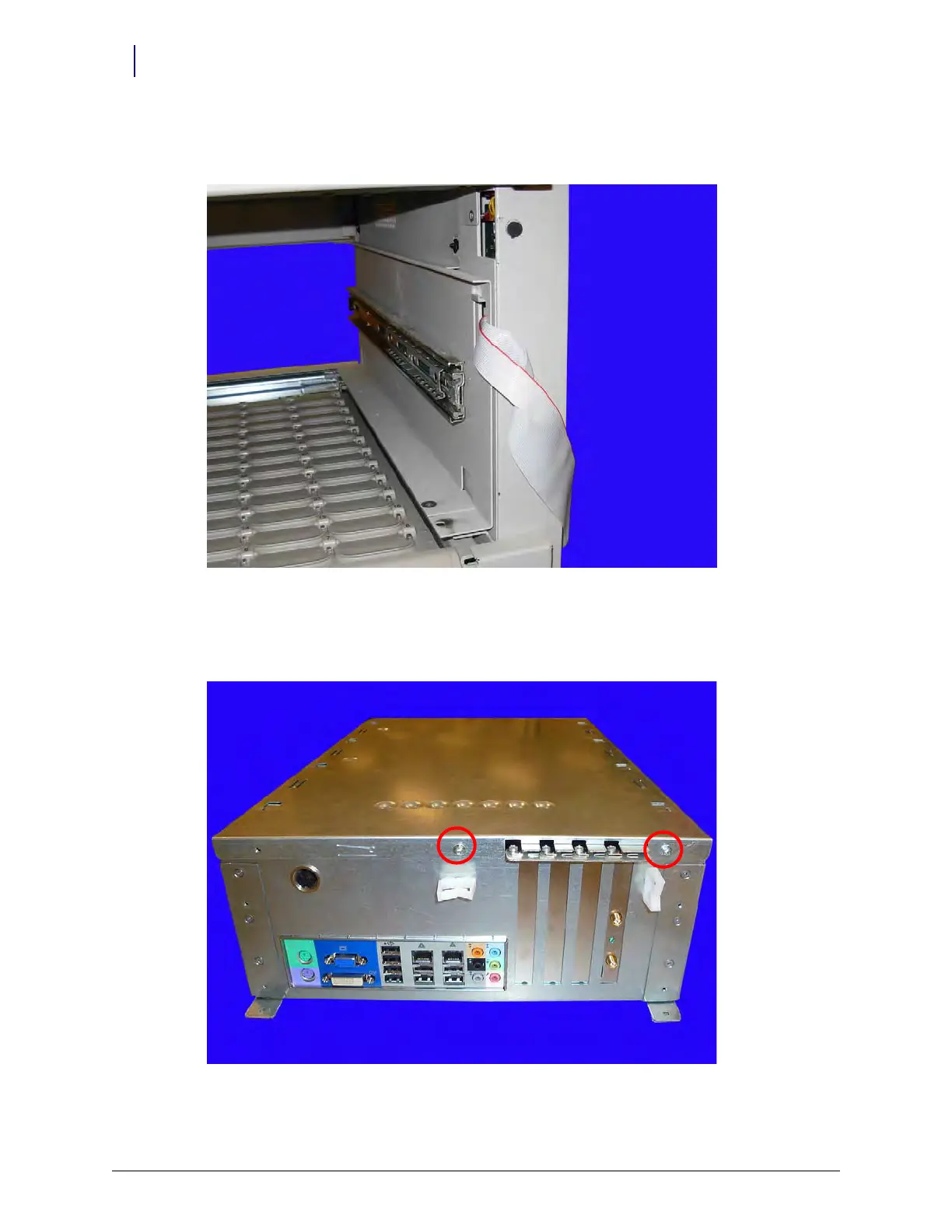
3. Move the wireway cable out of the opening and secure it so that it does not get in the way when
installing the G4 console.
Figure 12-17. Move the wireway cable and secure it outside of the console opening
Connect the E-Box Battery
1. Remove the two screws that secure the lid on the E-Box.
Figure 12-18. Remove the two screws that secure the E-Box lid



 To Next Page