© 2011 Omnicell, Inc. 1-, 2-, 3-Cell Color Touch Installation and Service Guide/67-2014 Rev G
Catheter Rack 10-5
Service Procedures
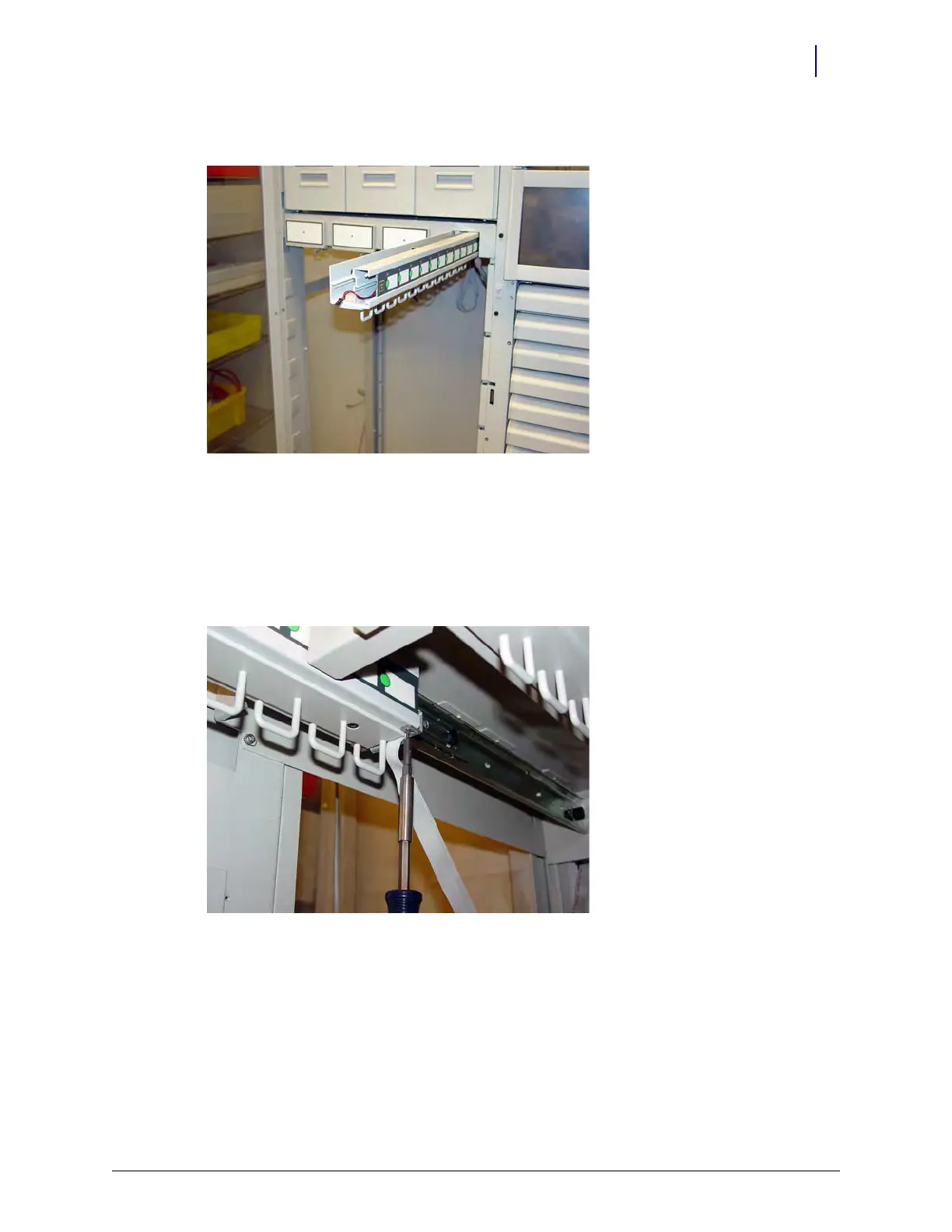
3. Remove the front plate.
Figure 10-5. Remove the Front Plate
Switchpanel and Cable
1. Perform the procedures described in “LED Panel” on page 10-3.
2. Perform the procedures described in “Front Plate” on page 10-4.
3. Remove the two screws on the back of the cath rack housing using a Torx T8 screwdriver.
Figure 10-6. Remove the two screws securing the LED cable to the cath rack
4. Slide the switchpanel toward the back of the unit and stop when the switchpanel is about
halfway out.



 To Next Page