© 2011 Omnicell, Inc. 1-, 2-, 3-Cell Color Touch Installation and Service Guide/67-2014 Rev G
G4 PC Box Service 13-13
Remove and Replace the LCD Touch Screen
Remove and Replace the LCD Touch Screen
LCD Touch Screen Removal
1. Open the keyboard/printer door.
2. Perform a graceful shutdown of the PC box.
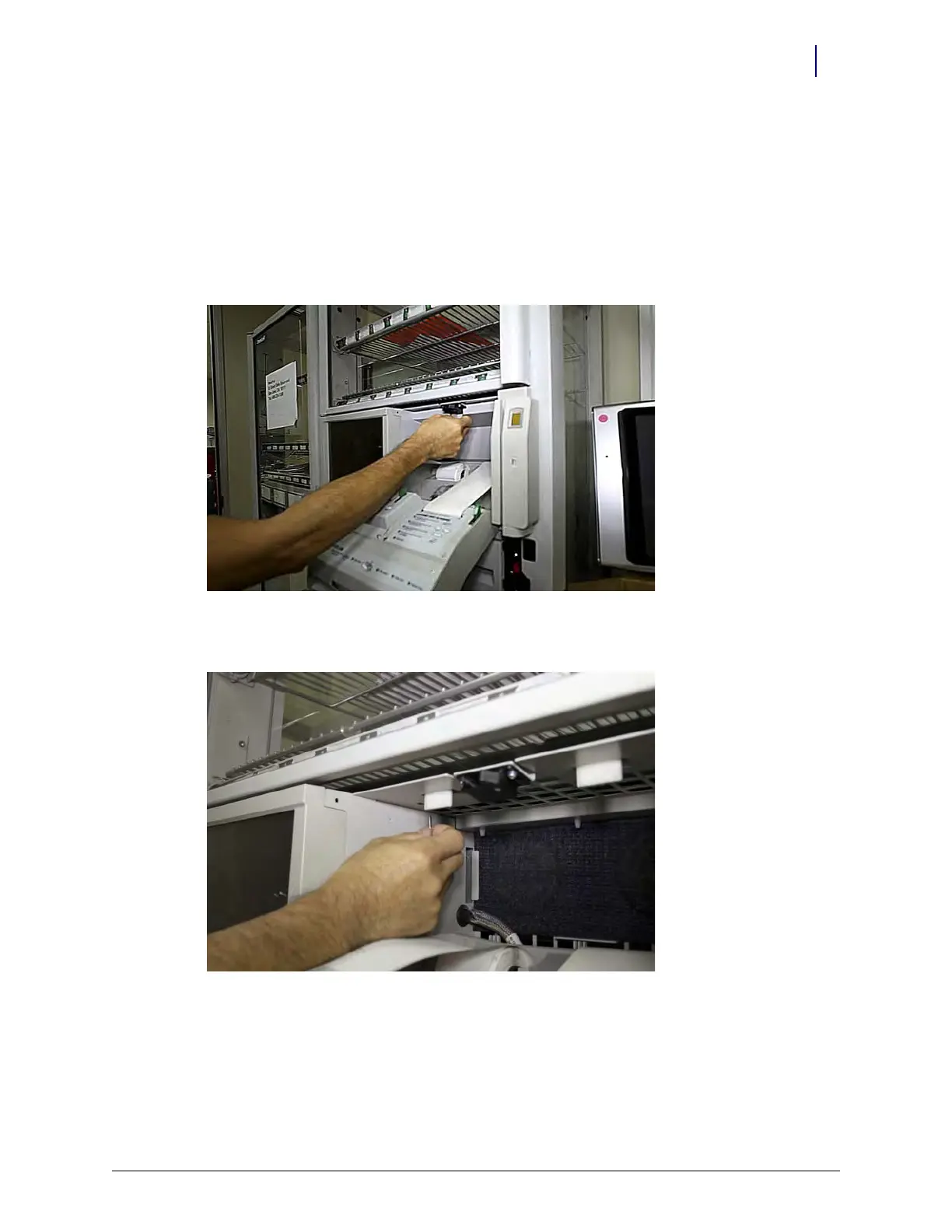
3. Remove the filter access door.
Figure 13-23. Removing the filter access door
4. Remove the screw from the top surface of the access area.
Figure 13-24. This screw must be removed before moving the CT PC box



 To Next Page