© 2011 Omnicell, Inc. 1-, 2-, 3-Cell Color Touch Installation and Service Guide/67-2014 Rev G
Shelves 3-3
Installation Procedure
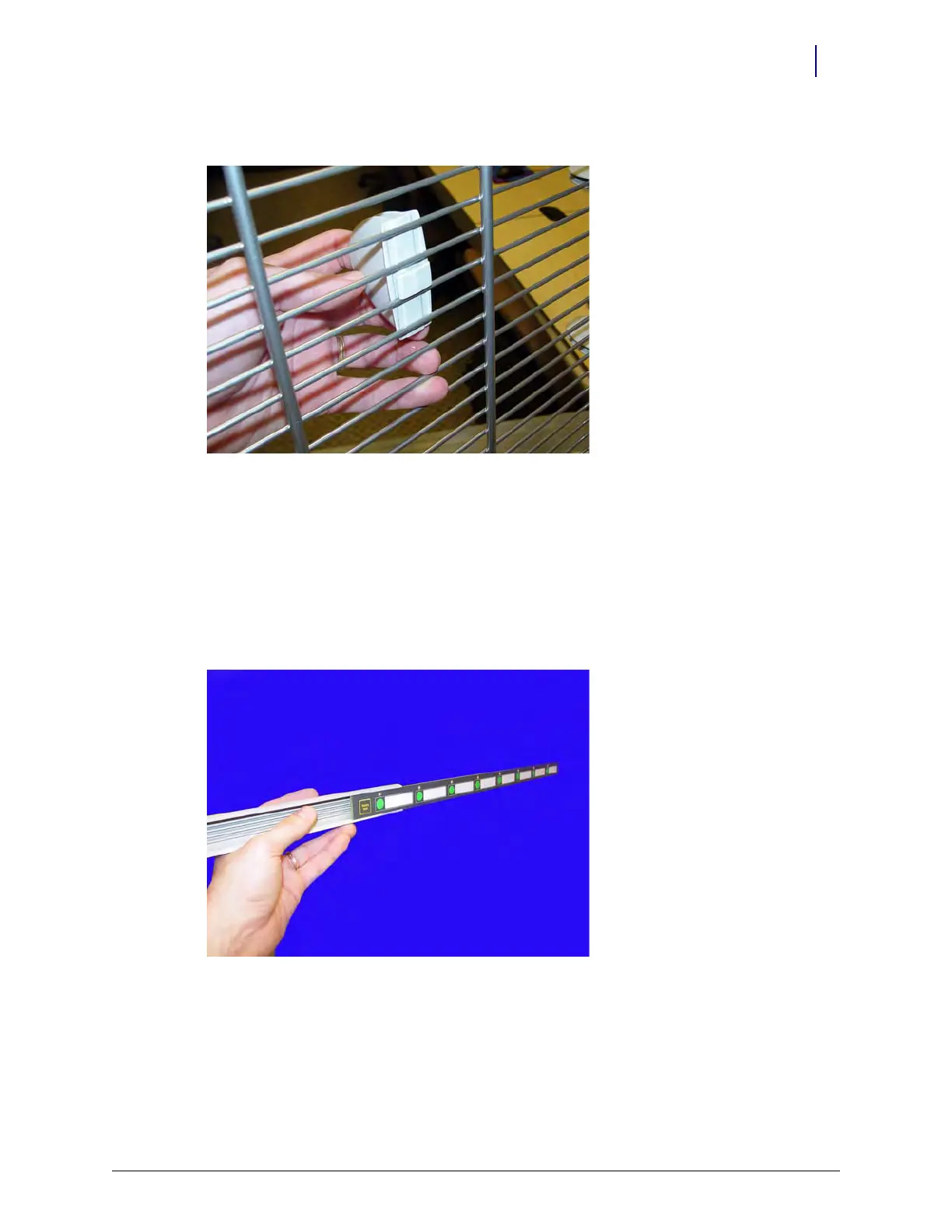
7. Rotate the clips 90 degrees and unlock them from the bars on the shelf.
Figure 3-5. Remove the clip from the shelf
8. Remove the clips from the shelf.
Installation Procedure
1. Remove the switchpanel connector covers - one on each side - where the shelf will be installed.
2. Insert a shelf clip into the hole on the frame.
3. Slide the switchpanel into its holder.
Figure 3-6. Slide the switchpanel into its holder
4. Lift up the tabs on the shelf clips.



 To Next Page