© 2011 Omnicell, Inc. 1-, 2-, 3-Cell Color Touch Installation and Service Guide/67-2014 Rev G
13-1
G4 PC Box Service
1. Open the printer door.
2. Perform a graceful shutdown of the PC box.
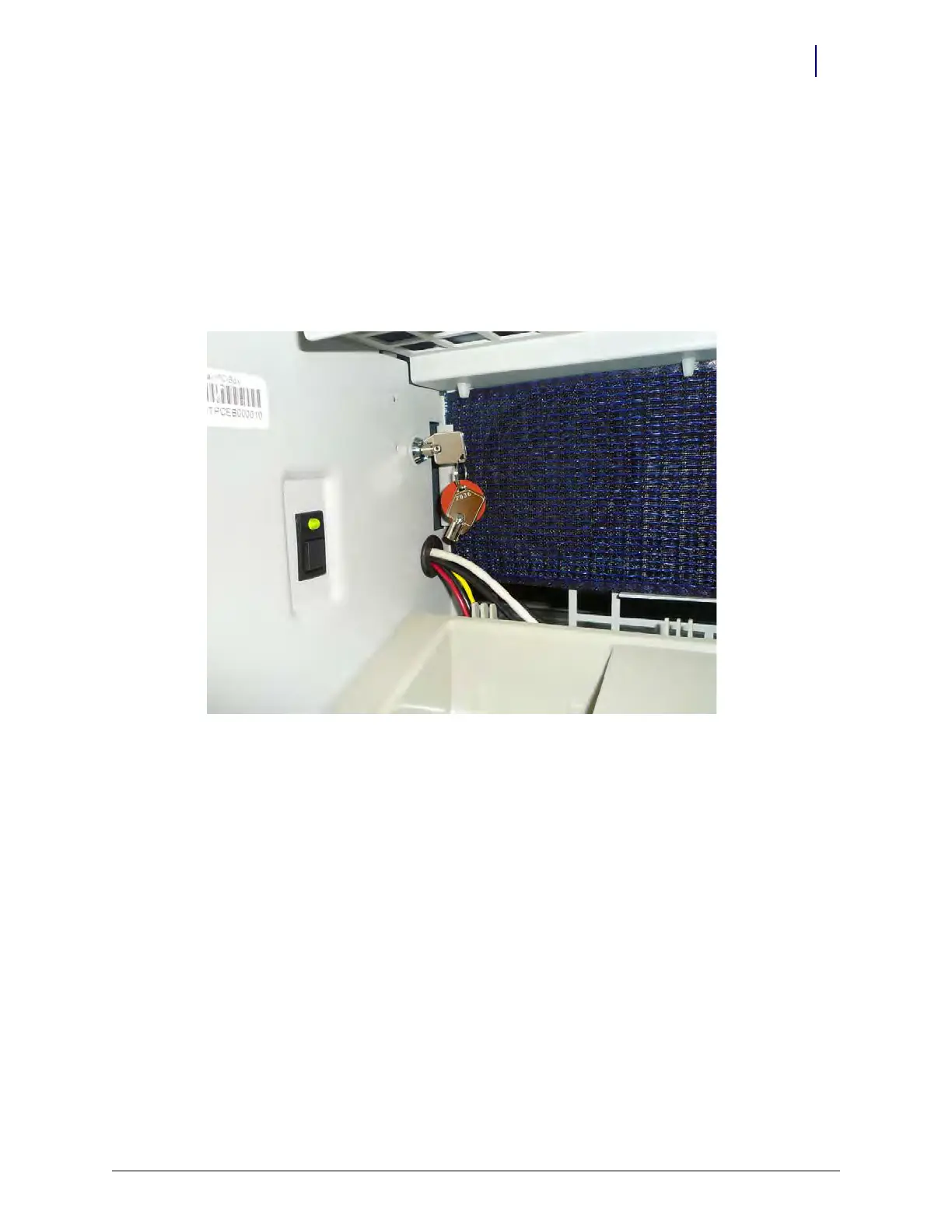
3. Use key #2378 and unlock the PC box.
Figure 13-1. Unlock the PC console
4. Pull the PC box from the console.
Remove the Electronics Tray from the CT PC Console
If two people are not present to lift the CT PC console with E-Box into the frame, remove the E-
Box from the console before lifting the console into the cabinet frame. Otherwise, proceed to the
next section.



 To Next Page