13-2 G4 PC Box Service
1-, 2-, 3-Cell Color Touch Installation and Service Guide/67-2014 Rev G © 2011 Omnicell, Inc.
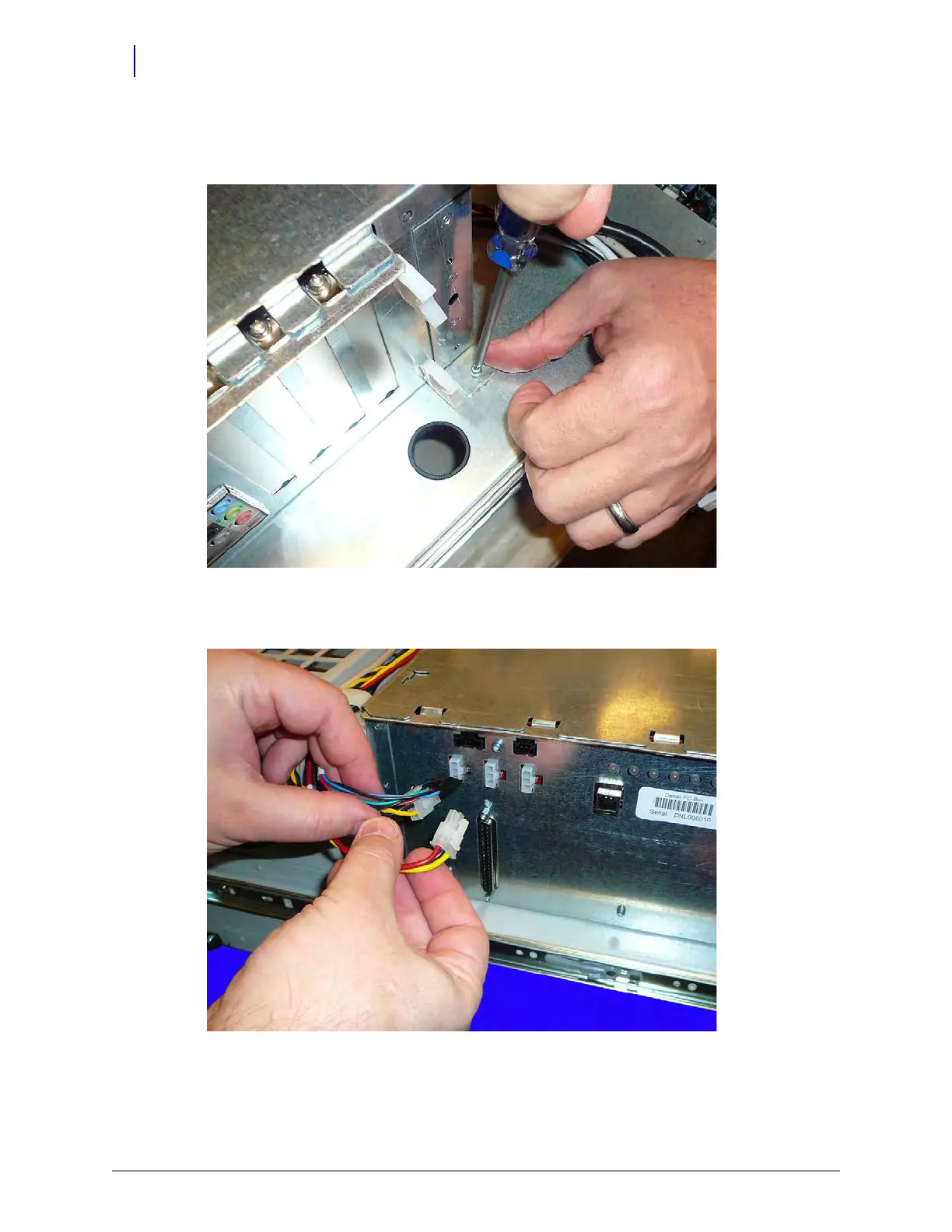
1. Remove the two screws on each side of the E-Box that secure the E-Box to the bottom of the
CT PC console.
Figure 13-2.
2. Remove the three power cables that are attached to the right side of the E-Box.
Figure 13-3. Disconnect the power cables
3. Remove all the cables from the left-hand side of the E-Box frame, including all USB, sound,
video and network cables.



 To Next Page