© 2011 Omnicell, Inc. 1-, 2-, 3-Cell Color Touch Installation and Service Guide/67-2014 Rev G
12-1
Installing a G4 Console
Introduction
This procedure will guide the user through the procedures required to remove an existing CT PC
box and replace it with a G4 console.
Tools Required
Torx T10 driver
Torx T15 driver
Torx T20 driver
Phillips #1 screwdriver
Standard Blade Screwdriver
Cam Lock Key #2036
Cam Lock Key #2378
Remove the CT PC Box
1. Perform a graceful shutdown of the cabinet.
2. Unplug the cabinet power cord from the outlet.
3. Unplug the network cable from the back of the CT PC Box.
4. Unlock the cabinet doors using the #2036 key.
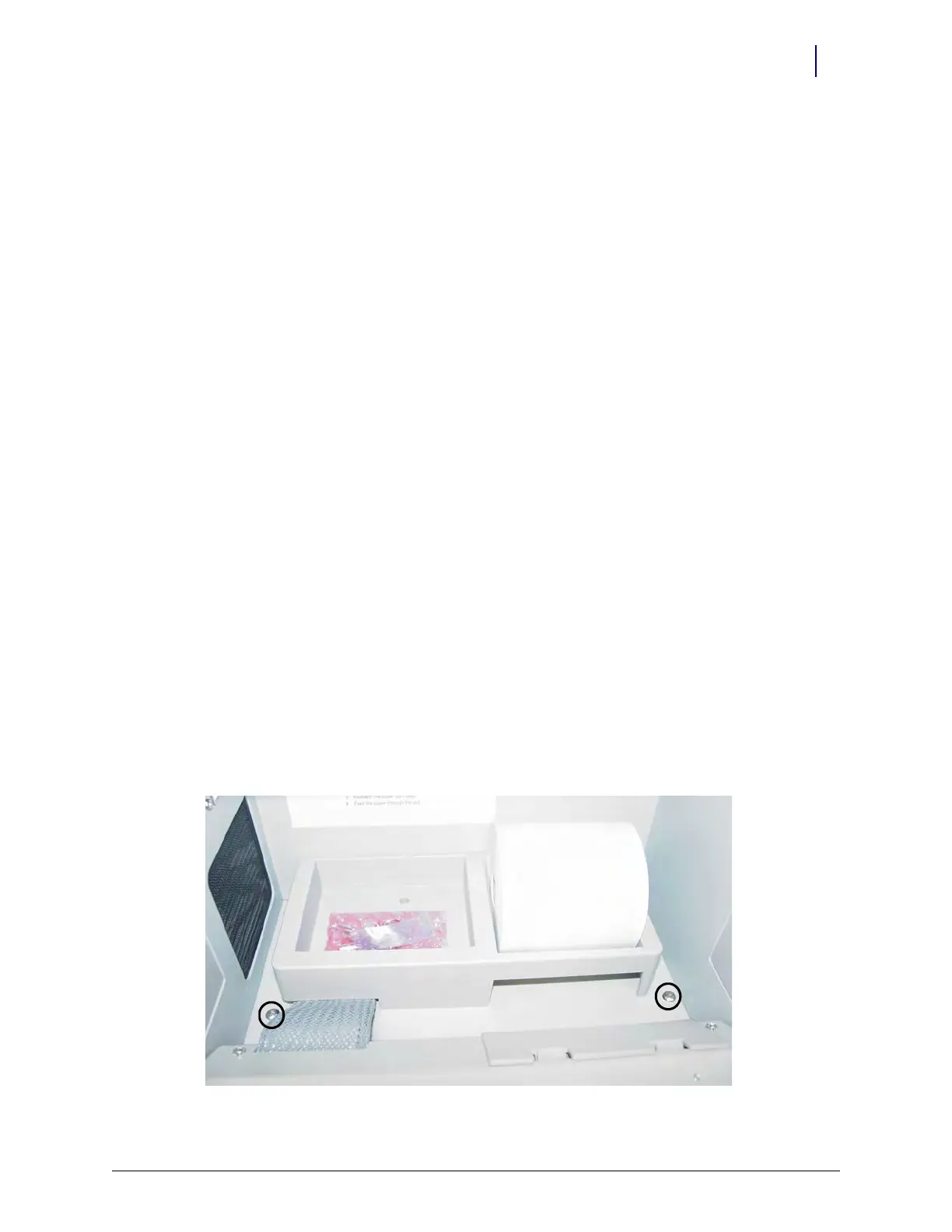
5. Remove the screws that secures the CT PC Box to the cabinet.
Pharmacy cabinets PC box screws are accessed by opening the keyboard door and using the
T15 Torx driver. [6-32x1/4 BH screws]
Figure 12-1. Pharmacy cabinet



 To Next Page