12-2 Installing a G4 Console
Remove the CT PC Box
1-, 2-, 3-Cell Color Touch Installation and Service Guide/67-2014 Rev G © 2011 Omnicell, Inc.
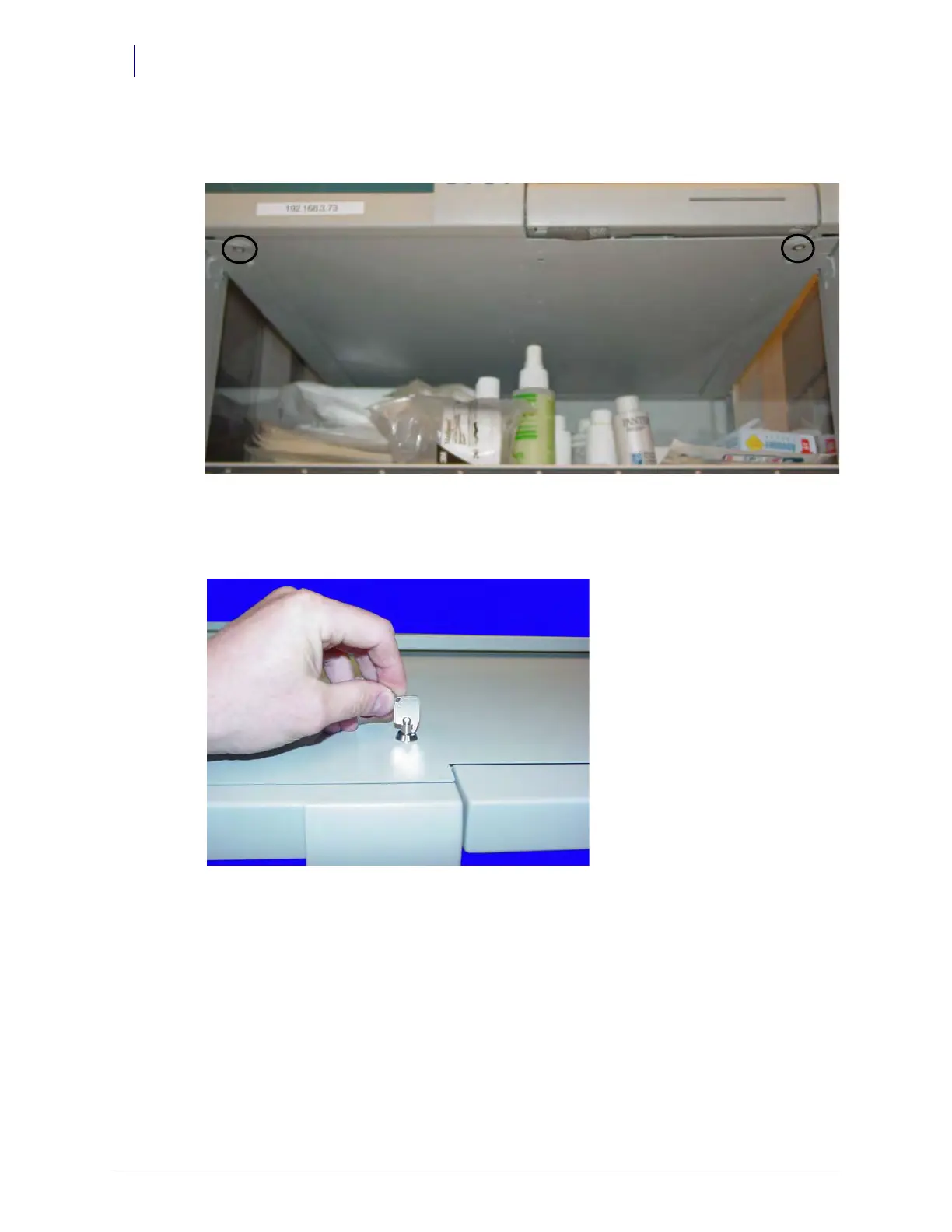
Supply cabinets PC box screws are accessed under the box at the front corners, using a T-10
Tor x dr iver. [8-32x3/8 SHC screws]
Figure 12-2. Supply cabinet
a. Slowly pull the CT PC Box from the frame until the side-mounted slides lock and stop.
b. Unlock the CT PC Box cover with the cam lock key #2036.
Figure 12-3. Unlock the CTPC Box Cover
c. Remove the cover by lifting the front end and pulling away from the cabinet.
d. Disconnect the SPC cables from the PowerCom board.



 To Next Page