© 2011 Omnicell, Inc. 1-, 2-, 3-Cell Color Touch Installation and Service Guide/67-2014 Rev G
Drawers 7-17
Resetting Drawer Addresses
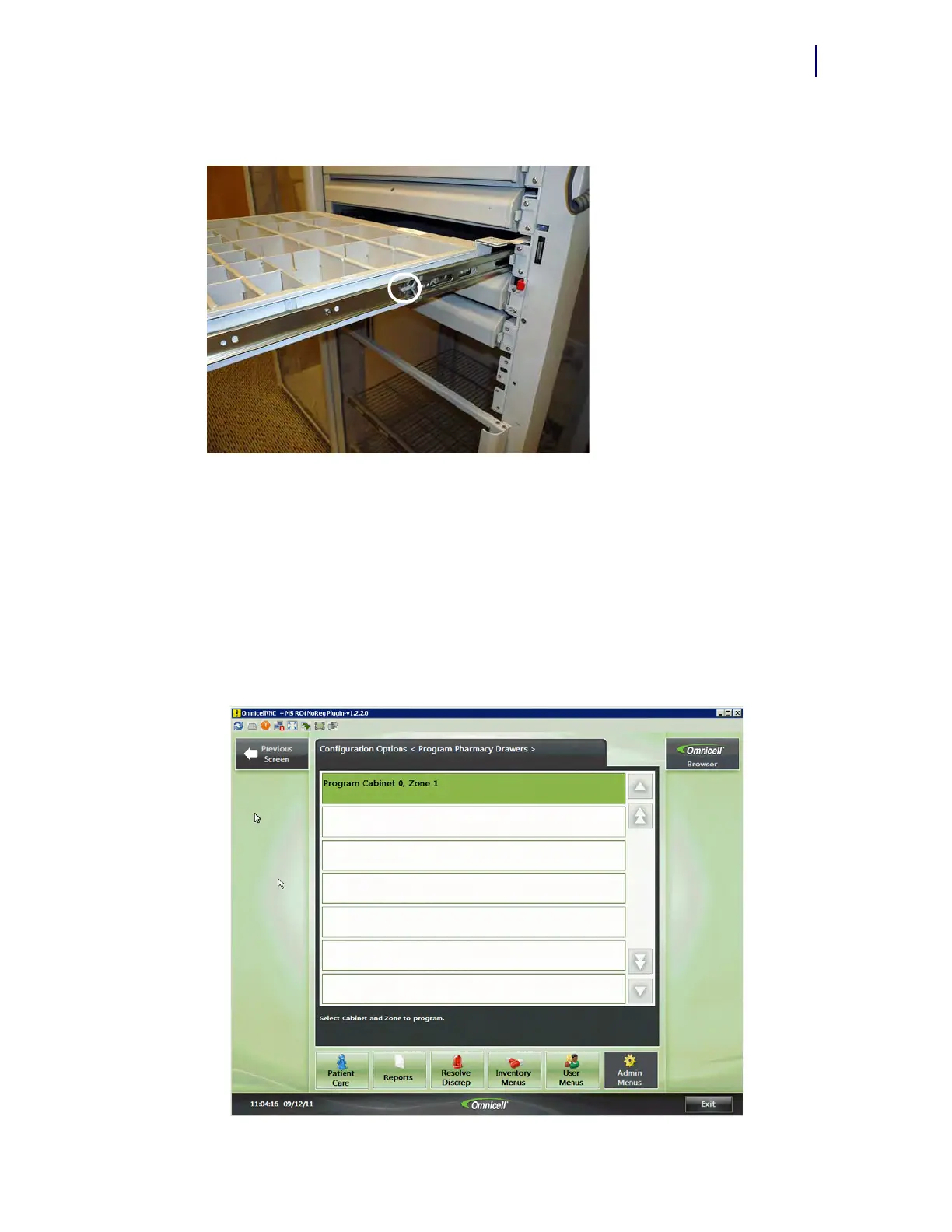
6. Push the release levers on either side of the drawer up or down to release the drawer.
Figure 7-21. Push the release levers to release the drawer
7. Remove the pharmacy drawer from the module.
Resetting Drawer Addresses
Drawers are programmed during manufacturing and must be reprogrammed if there are any
changes to the drawer locations. To check the current programming, or to reprogram the drawers:
1. Log on to the cabinet as omnitech.
2. Select Omni Config > Program Pharmacy Drawers.
3. Select the zone from the menu.



 To Next Page