7-18 Drawers
Resetting Drawer Addresses
1-, 2-, 3-Cell Color Touch Installation and Service Guide/67-2014 Rev G © 2011 Omnicell, Inc.
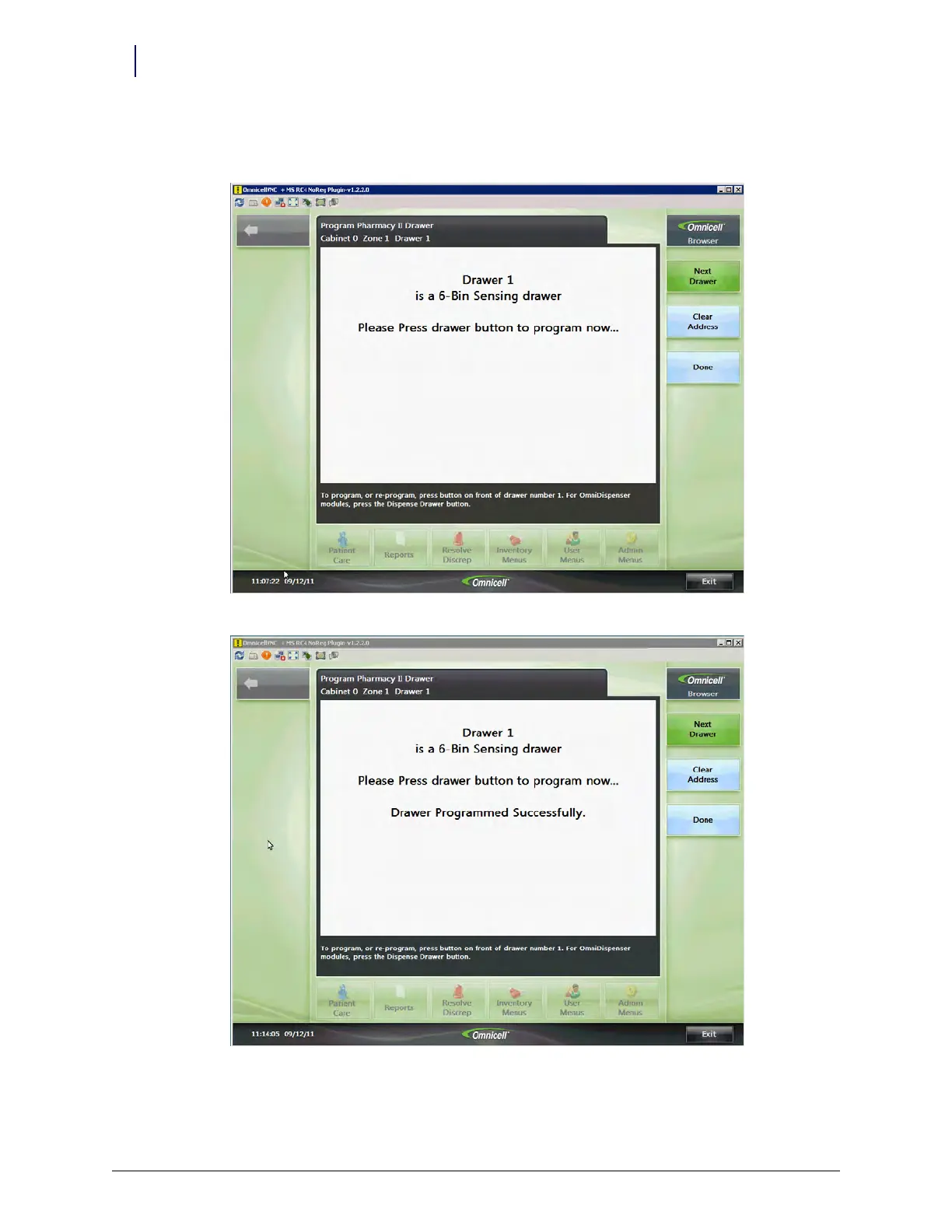
Starting at the top of the cabinet, the system lights the first drawer.
4. Press the lit button to program the drawer.
A message indicates when the drawer is successfully programmed.
5. Press Next Drawer and continue programming each drawer and zone until complete.
6. When finished, press Done.



 To Next Page