© 2011 Omnicell, Inc. 1-, 2-, 3-Cell Color Touch Installation and Service Guide/67-2014 Rev G
1-1
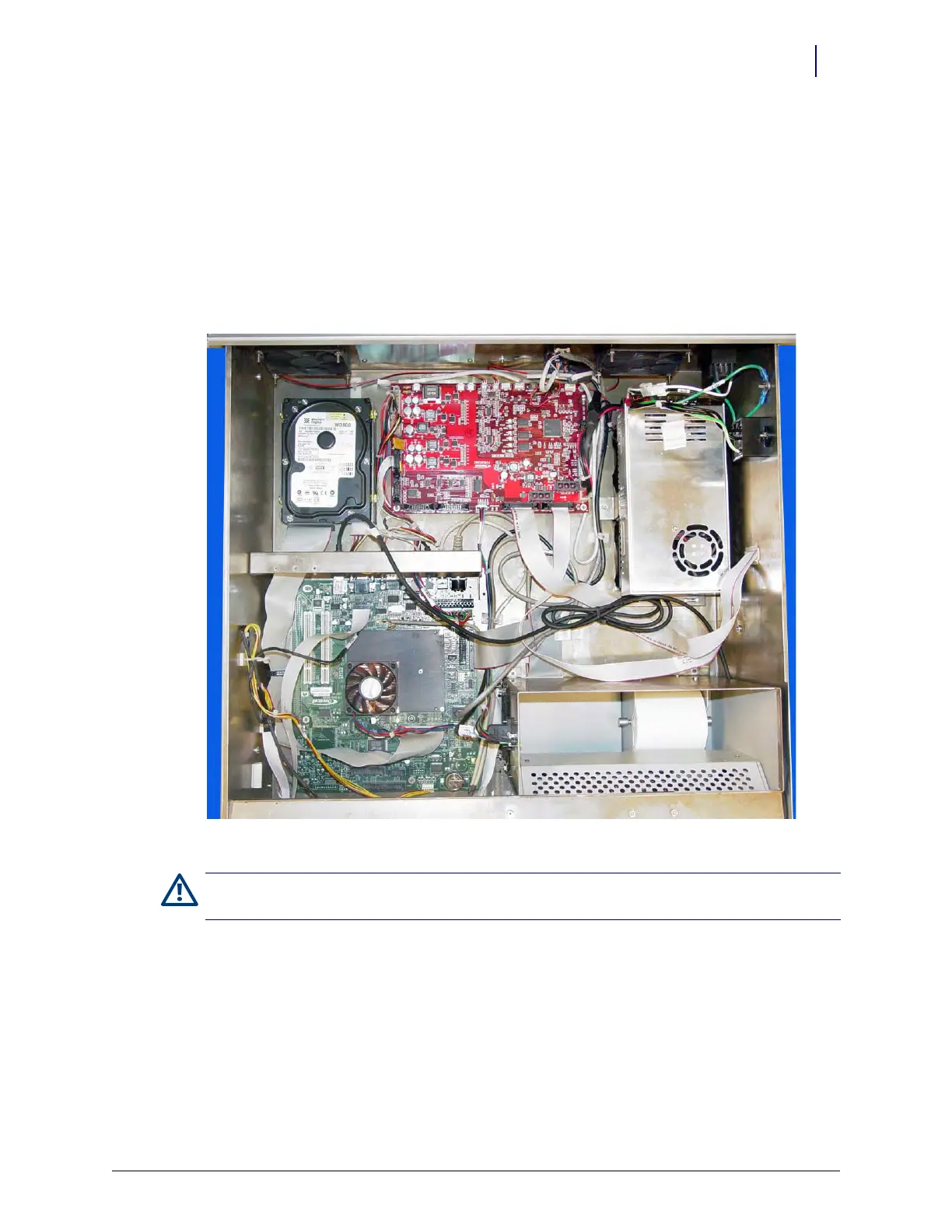
CT PC Box Parts
Introduction
This section provides detailed instructions for the proper replacement of specific parts within the
Color Touch PC Box (or CT PC Box) with the PowerCom3 board.
Figure 1-1. CT PC Box with a PowerCom3 board
Tools List
The following tools are required to install the CT PC Box:
T8 Torx Driver
T10 Torx Driver
T15 Torx Driver
9/64” Allen wrench
Caution:
The CT PC Box is heavy. Trying to lift or remove the box alone could result in injury. Use a second
person to help lift and remove the CT PC Box from the OmniSupplier cabinet.



 To Next Page