© 2011 Omnicell, Inc. 1-, 2-, 3-Cell Color Touch Installation and Service Guide/67-2014 Rev G
Frames and Wireways 2-5
Wireway Removal
9-drawer Carrier
1. Unlock the two locks on the 9-drawer carrier manual override cover, then remove the cover.
Figure 2-6. Unlock and Remove the Manual Override Cover
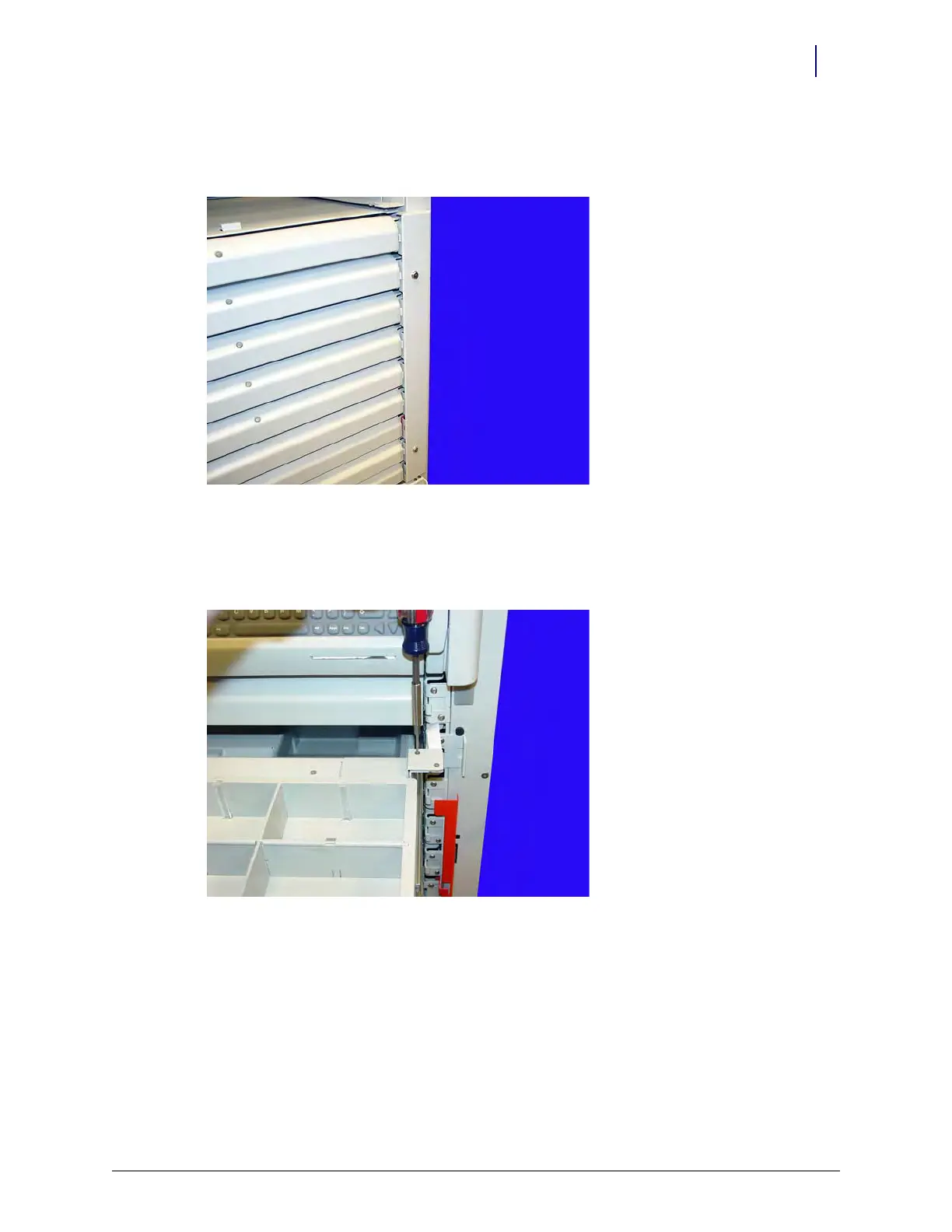
2. Pull the pharmacy drawer in position two (second drawer from the top) forward to expose the
pharmacy drawer controller cable cover.
3. Remove the two screws securing each controller cable cover using a T10 Torx screwdriver.
Figure 2-7. Remove the screws securing the controller cable cover



 To Next Page