2-4 Frames and Wireways
Wireway Removal
1-, 2-, 3-Cell Color Touch Installation and Service Guide/67-2014 Rev G © 2011 Omnicell, Inc.
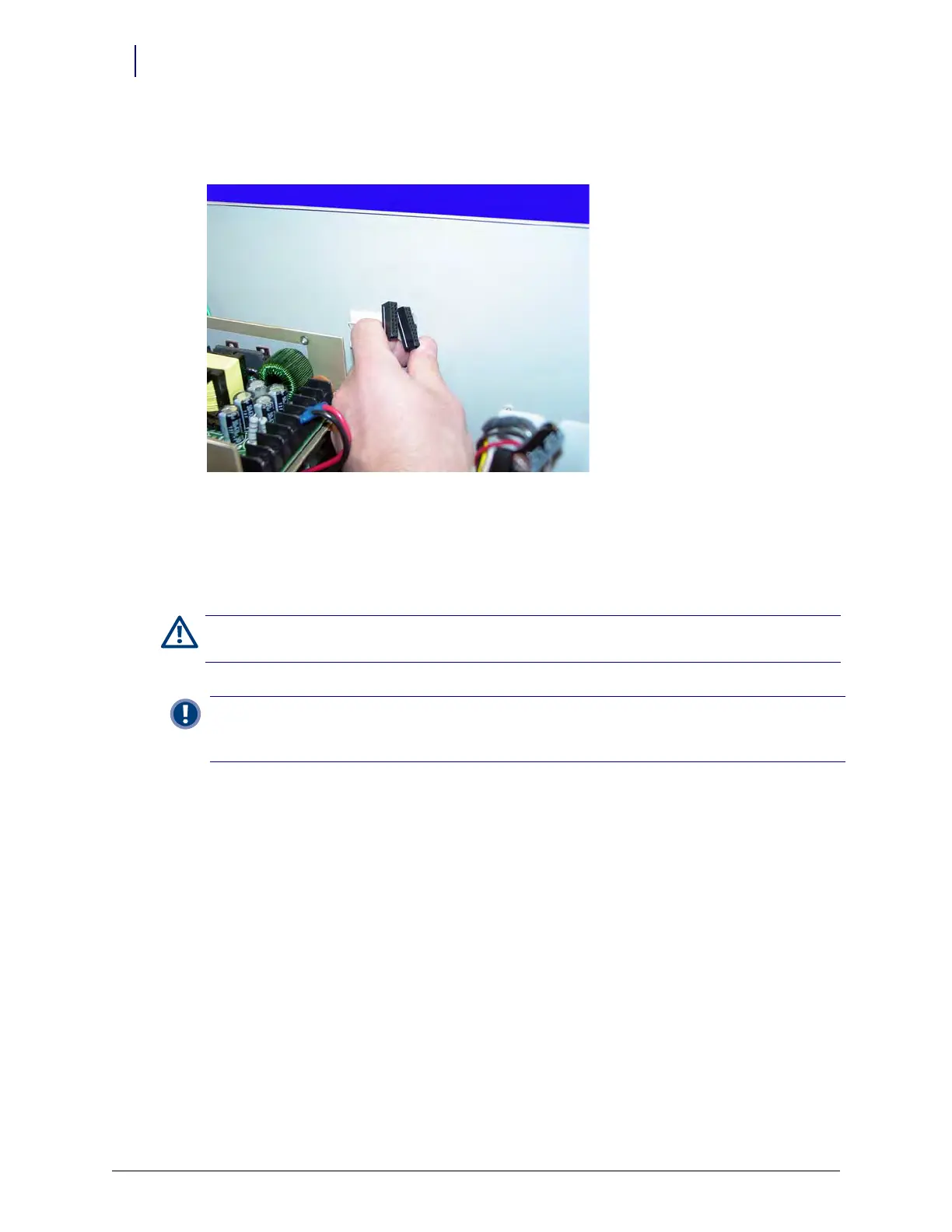
e. Pull the SPC cables through the wireway slot on the right side of the CT PC box and
remove the SPC cables from the CT PC Box.
Figure 2-5. Remove the SPC cables
f. Tuck the SPC cables - still connected to the wireway - under the transport handle on the
side of the OmniSupplier frame.
g. Release the CT PC Box from the slides, carefully remove it from the cabinet and set it on a
flat surface.
Caution:
The CT PC Box is heavy. Trying to lift or remove the box alone could result in injury. Get help from a
second person to lift and remove the CT PC Box from the cabinet.
Important: The following sections cover optional equipment that may be present on any given cabinet that
must be removed to access the wireway cables. A pharmacist must be present when servicing drawers with
medications.



 To Next Page