© 2011 Omnicell, Inc. 1-, 2-, 3-Cell Color Touch Installation and Service Guide/67-2014 Rev G
Frames and Wireways 2-3
Wireway Removal
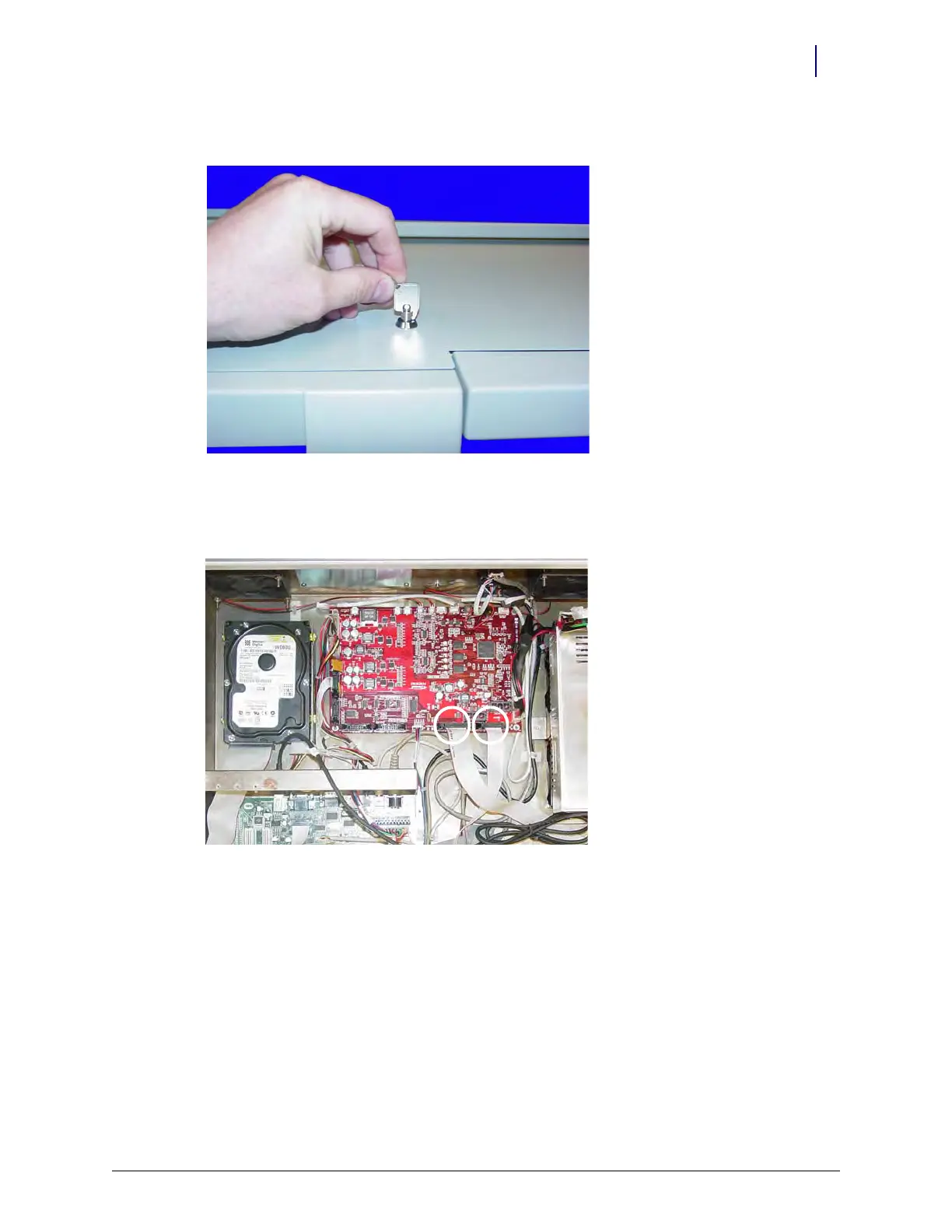
b. Unlock the CT PC Box cover with the cam lock key #2036.
Figure 2-3. Unlock the CTPC Box Cover
c. Remove the cover by lifting the front end and pulling away from the cabinet.
d. Disconnect the SPC cables from the PowerCom board.
Figure 2-4. Disconnect the SPC Cables



 To Next Page