4-4 Switchpanels
Removal Procedure
1-, 2-, 3-Cell Color Touch Installation and Service Guide/67-2014 Rev G © 2011 Omnicell, Inc.
4. Turn the supply drawer upside down and open it.
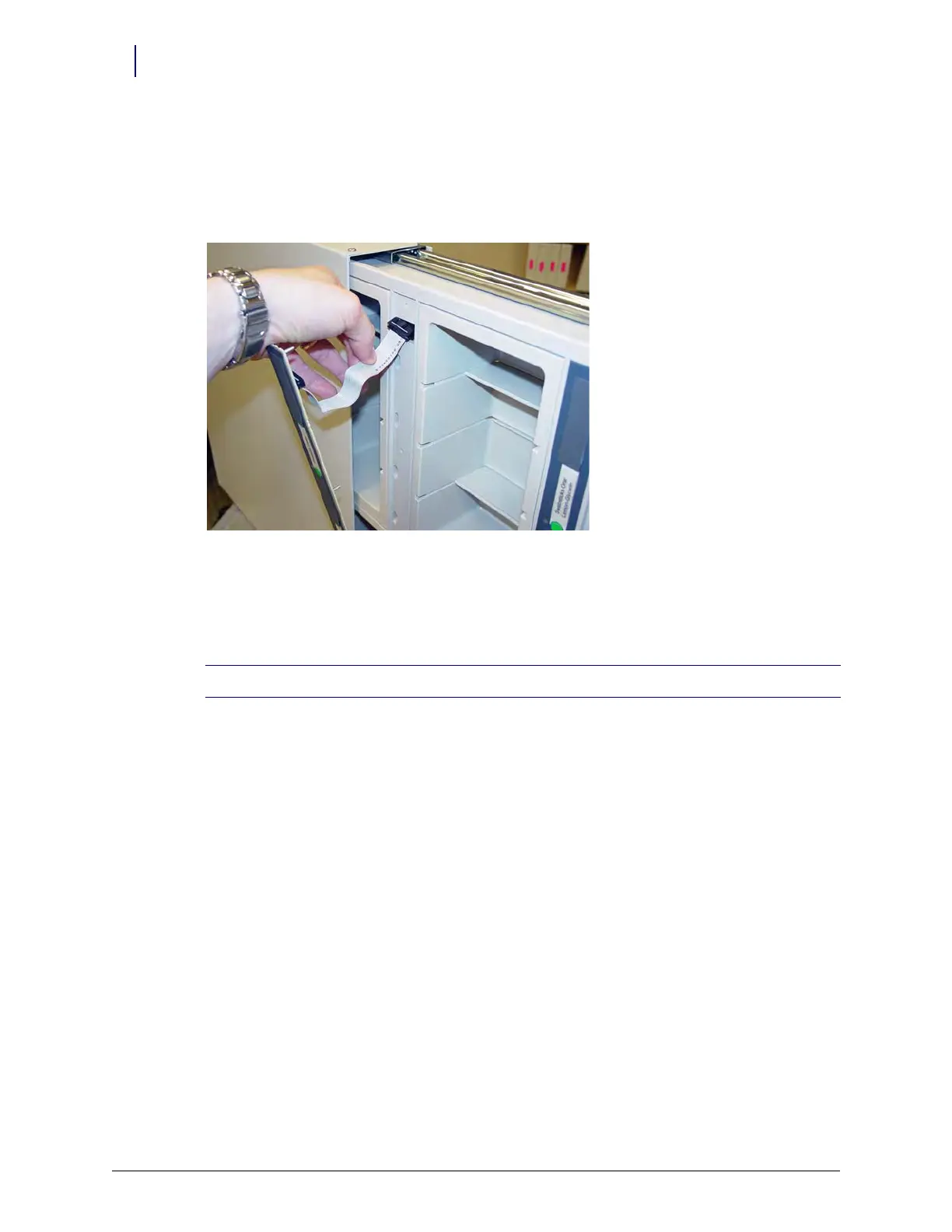
5. Disconnect the switchpanel cable.
6. Remove the four nuts located on the drawer using a 1/4” nut driver.
7. Remove the switchpanel.
Figure 4-5. Remove the Switchpanel from the Drawer
From a Pull-out Shelf
1. Slide the shelf partially out of the dispenser unit.
2. Remove the four Allen Screws from the top of the switchpanel using a 5/64” Allen wrench.
3. Pull the left side of the switchpanel away from the shelf to expose the two screws securing the
switchpanel to the right side of the frame.
4. Remove the two screws using a small Phillips head screwdriver.
5. Remove the switchpanel cable from the wireway cable.
Note: The switchpanel is still connected to the shelf. Do not try to forcibly remove the switchpanel.



 To Next Page