6-2 Locks and Latches
Removal Procedure
1-, 2-, 3-Cell Color Touch Installation and Service Guide/67-2014 Rev G © 2011 Omnicell, Inc.
Removal Procedure
Wireway
1. Remove the wireway. Follow the procedures located in “Wireway Removal” on page 2-1.
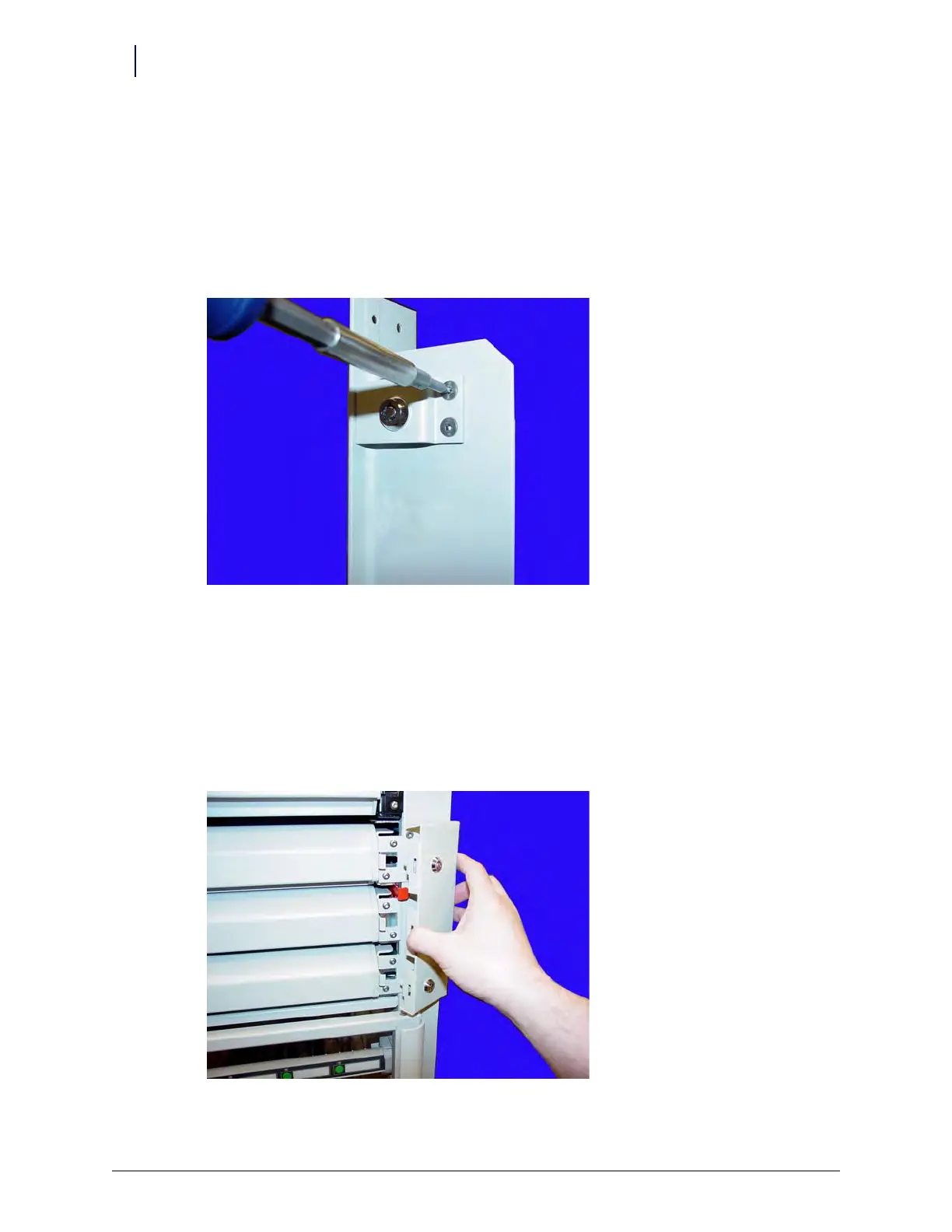
2. Remove the two screws securing the cam lock assembly to the wireway using a Torx T15
screwdriver.
Figure 6-1. Remove the Two Screws Securing the Lock Assembly
3. Remove the lock from the wireway.
Manual Override Cover
Manual override covers are equipped with locks to help prevent unauthorized access to pharmacy
drawers and dispensers.
1. Unlock and remove the manual override cover.
Figure 6-2. Unlock and Remove the Manual Override Cover



 To Next Page