© 2011 Omnicell, Inc. 1-, 2-, 3-Cell Color Touch Installation and Service Guide/67-2014 Rev G
Locks and Latches 6-3
Removal Procedure
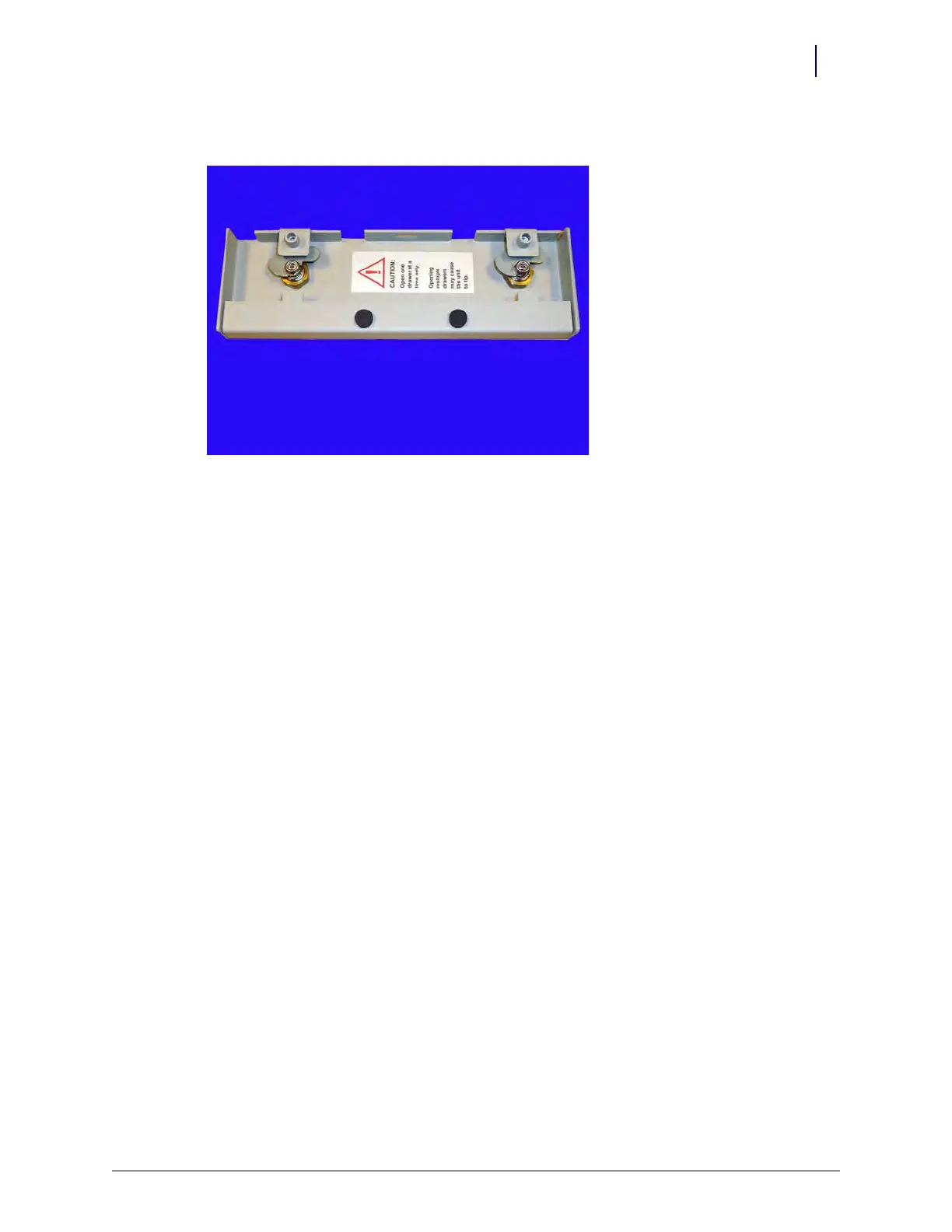
2. Remove the nut that secures the lock to the cover.
Figure 6-3. Three Drawer Manual Override Cover and Locks
3. Remove the pawl latch.
4. Loosen and remove the larger nut that secures the lock to the cover.
5. Remove the lock.



 To Next Page