© 2011 Omnicell, Inc. 1-, 2-, 3-Cell Color Touch Installation and Service Guide/67-2014 Rev G
E-Box Service Guide 14-19
Remove/Replace the Power Entry Module
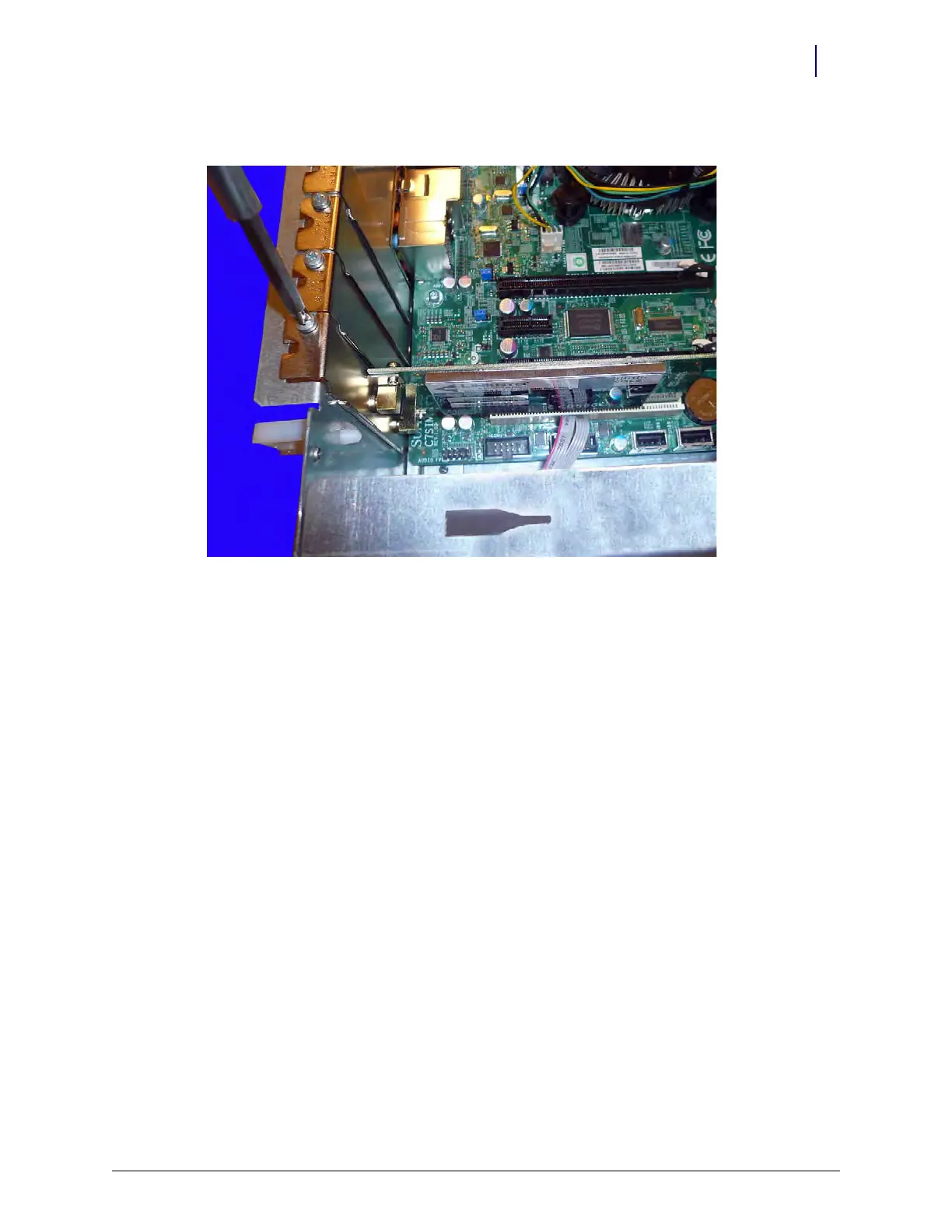
2. Replace the screw that secures the wireless card to the E-Box frame.
Figure 14-29. Replace the screw that secures the wireless card
Remove/Replace the Power Entry Module
Remove the Power Entry
Modu
le
1. Remove the battery. Follow the steps in “Remove the Battery” on page 1-8.
2. Remove the power supply. Follow the steps in “Remove the Power Supply” on page 1-10.



 To Next Page