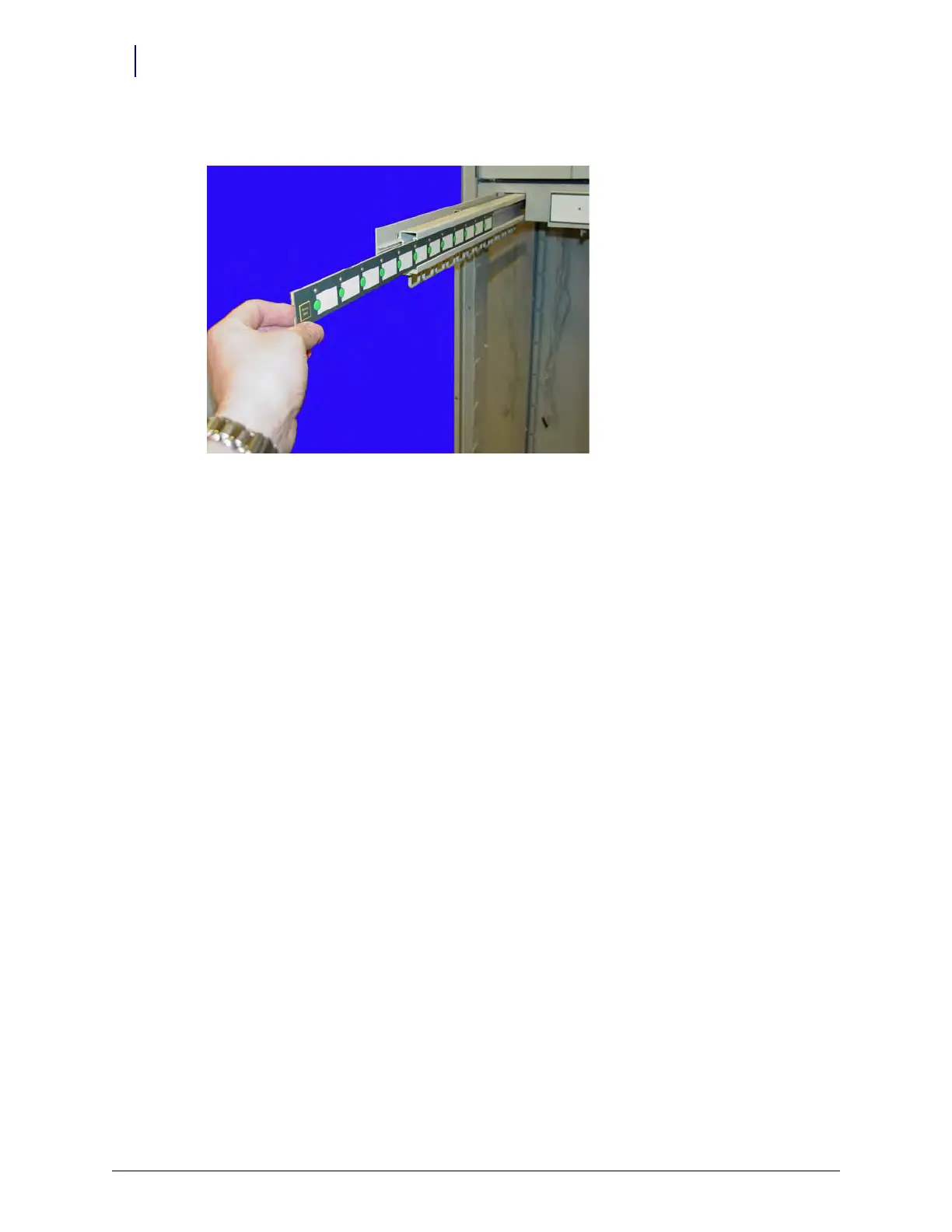
10-8 Catheter Rack
Service Procedures
1-, 2-, 3-Cell Color Touch Installation and Service Guide/67-2014 Rev G © 2011 Omnicell, Inc.
8. Slide the switchpanel forward and remove it from the arm.
Hooks
1. Pull the cath rack rail forward until it is fully extended.
2. Remove the three screws securing the hooks to the underside of the cath rack rail using a Torx
T20 driver.
3. Remove the hooks.
Rail Slide
1. Pull the cath rack rail forward until it is fully extended.
2. Remove the LED front Panel. See “LED Panel” on page 10-3.
3. Remove the switchpanel. See “Switchpanel and Cable” on page 10-5.
4. Remove the two screws that secure the rail to the side of the frame using an 11/32” nutdriver.
5. Remove the two screws that secure the slide to the cath rack.
SPC Board
1. Remove the cath rack. See “Removal Procedure” on page 10-2.
2. Disconnect the six cables from the cath rack SPC board.
3. Remove the four screws securing the board to the rack using a 3/32” Allen wrench.
4. Remove the SPC board.
SPC Cables
1. Remove the three screws securing the switchpanel cover to the frame using a 3/32” Allen
wrench.
2. Disconnect the eight SBC cables connecting the cath rack to the right side wireway.
3. Disconnect the two 50-pin cables from the SPC board.
4. Slide all the rails forward.



 To Next Page