13-8 G4 PC Box Service
1-, 2-, 3-Cell Color Touch Installation and Service Guide/67-2014 Rev G © 2011 Omnicell, Inc.
Prepare PC Box Console with E-Box
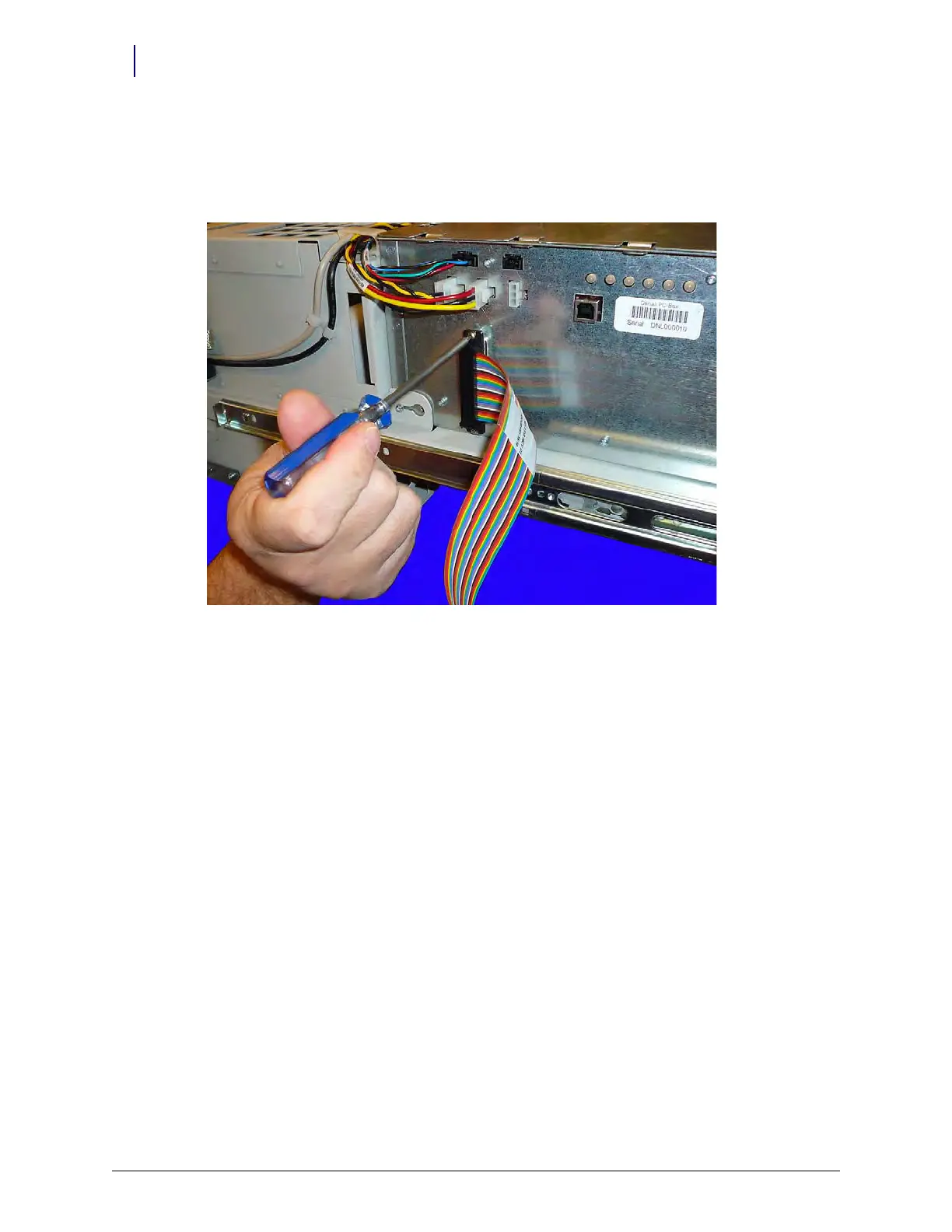
1. Connect the ribbon cable to the E-Box.
2. Secure the connection with the screws provided. Use a Torx T10 driver.
Figure 13-14.
Add Knock-out Safety Plate
1. If the safety plate on the back of the console has not been installed, add it before completing
the rest of the install.



 To Next Page