10-6 Catheter Rack
Service Procedures
1-, 2-, 3-Cell Color Touch Installation and Service Guide/67-2014 Rev G © 2011 Omnicell, Inc.
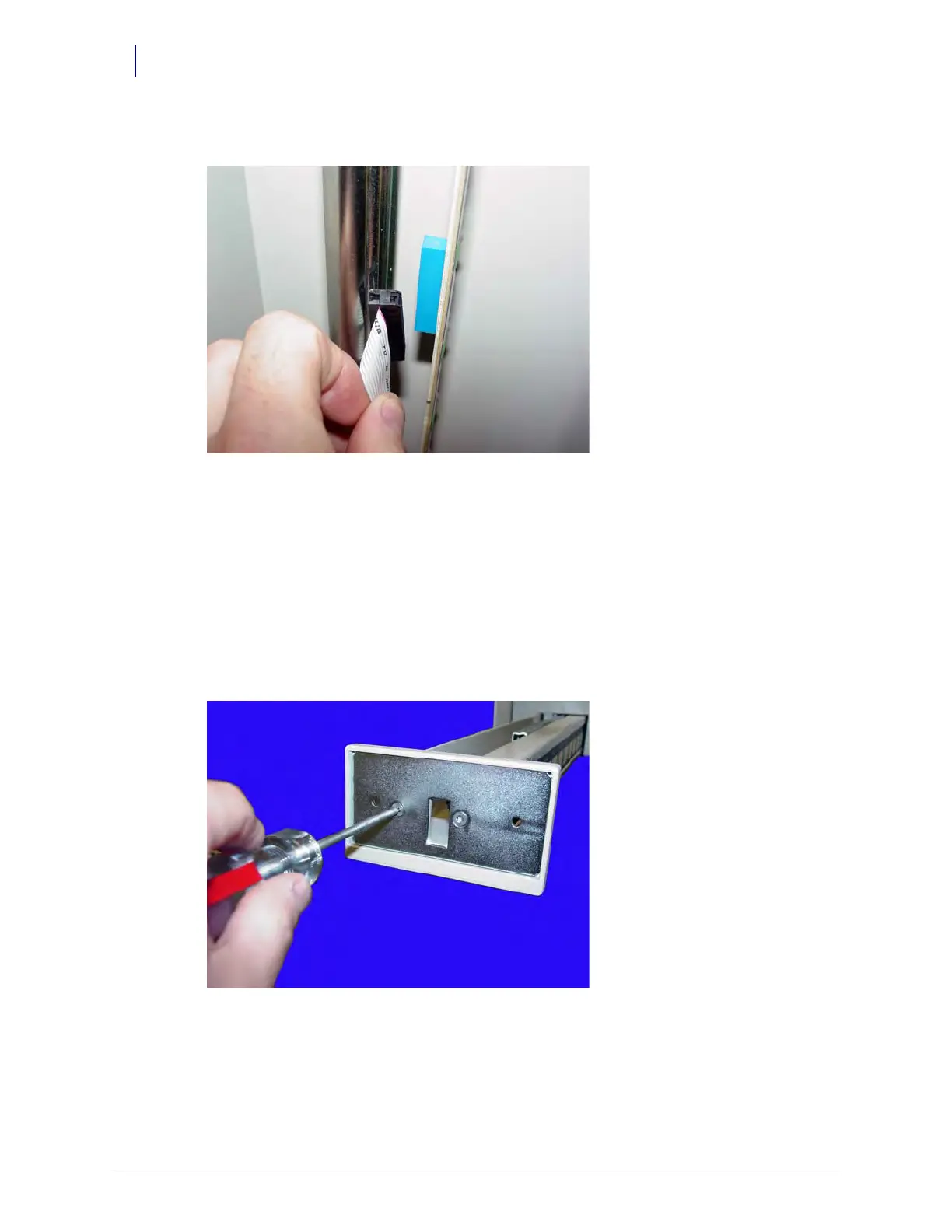
5. Disconnect the switchpanel cable from the switchpanel.
Figure 10-7. Disconnect the switchpanel cable
6. Slide the switchpanel forward and remove it from the rail.
LED Cable
1. Pull the cath rack rail forward until it is fully extended.
2. Remove the front LED panel by removing the two nuts on either side of the panel using a 5/16”
nut driver.
3. Remove the front plate from the cath rack arm by removing the two screws using a Torx T15
screwdriver.



 To Next Page