© 2011 Omnicell, Inc. 1-, 2-, 3-Cell Color Touch Installation and Service Guide/67-2014 Rev G
Shelves 3-5
Pull-out Shelf
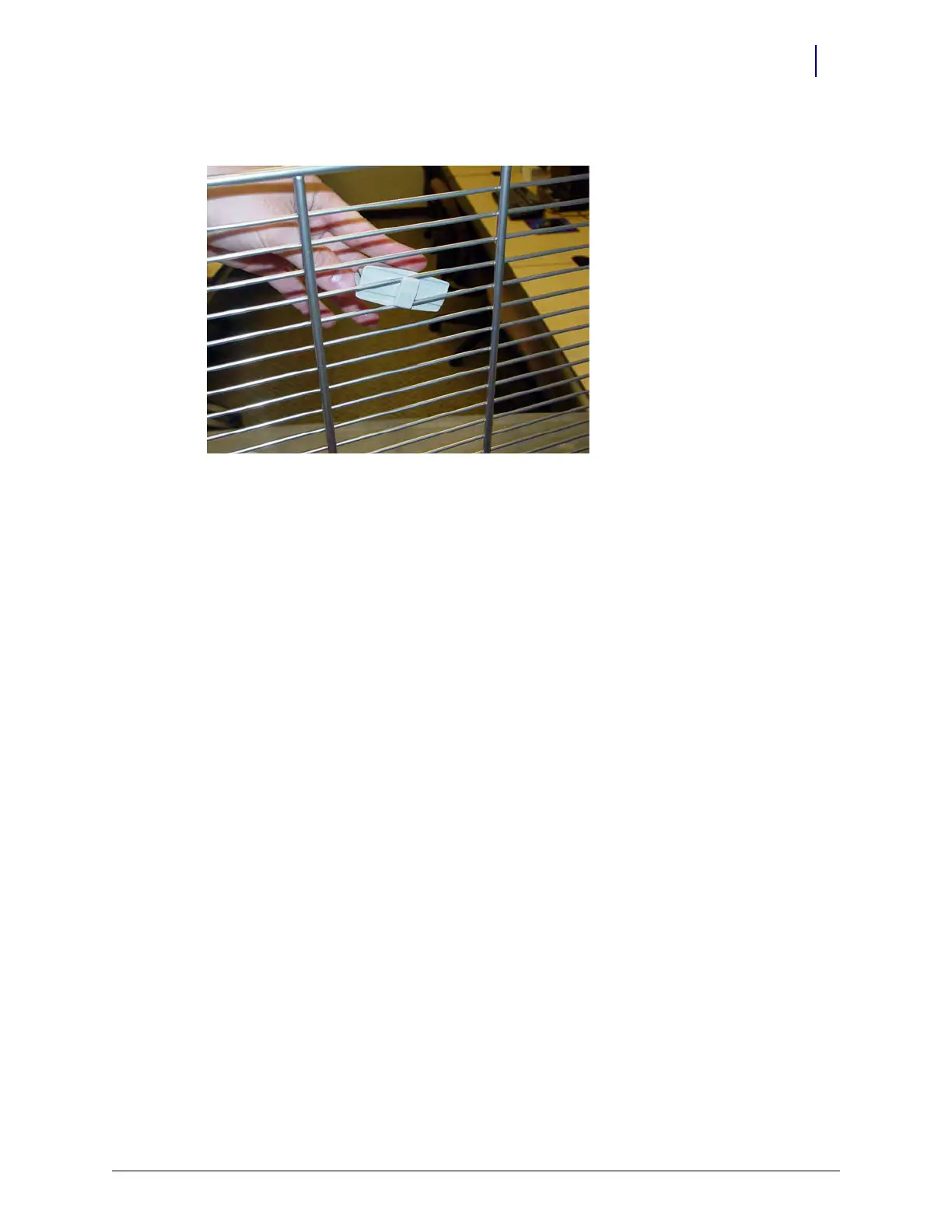
10. Rotate the clips 90 degrees and lock them into place on the shelf.
Figure 3-8. Rotate the Shelf Clip and Lock it Into Place
11. Place the dividers into the clips.
Pull-out Shelf
A pull-out shelf is designed to increase the accessibility of items located at the rear of a cabinet
shelf. The shelf is mounted on rails and can be pulled out from the cabinet. The pull-out shelf is a
product option that must be purchased separately and does not come as a standard feature.
A pull-out shelf should never be installed in the top 1/3 of a cell
1. Perform a graceful shutdown of the CT PC box.
2. Open the door in the zone where the pull-out shelf will be located.
3. If a standard shelf already exists in the location planned for the pull-out shelf, remove the
standard shelf first.
4. Insert the shelf assembly into the frame. Make sure that the tabs on the back of the assembly
slide completely into the slots on the back of the frame.
5. Insert mounting screws, one on each side, using a Torx T15 screwdriver.
6. Connect the switchpanel cable to the wireway.
7. Replace the connector covers.



 To Next Page