© 2011 Omnicell, Inc. 1-, 2-, 3-Cell Color Touch Installation and Service Guide/67-2014 Rev G
Frames and Wireways 2-7
Wireway Removal
OmniDispenser
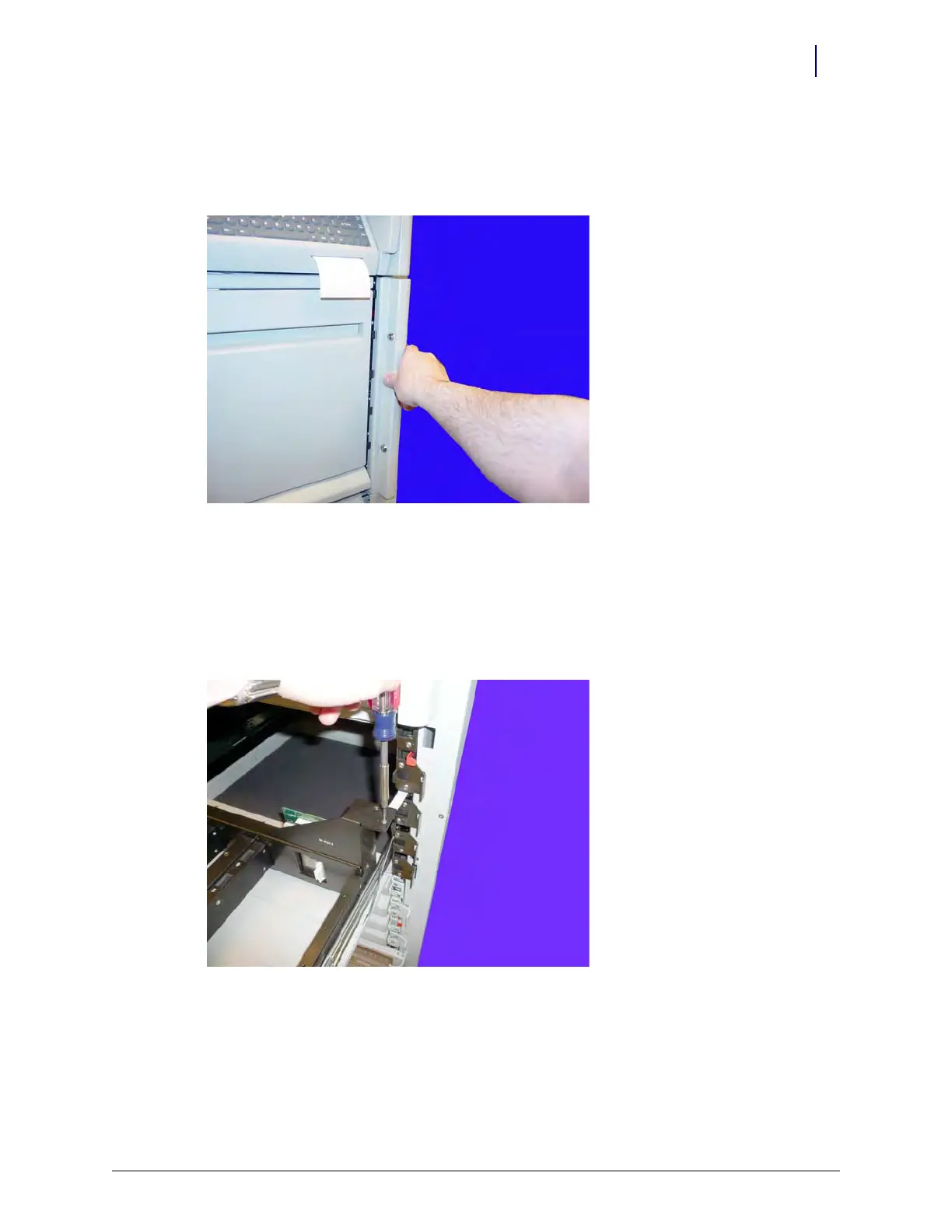
1. Unlock the two locks on the manual override cover, then remove the cover from the
OmniDispenser.
Figure 2-10. Unlock and Remove the Manual Override Cover
2. Pull the manual override lever and open the restock door.
Rail Frame
1. Pull the rail frame out until it is fully extended.
2. Remove the two screws securing the rail cable bracket.
Figure 2-11. Remove the two screws securing the rail cable bracket



 To Next Page