© 2011 Omnicell, Inc. 1-, 2-, 3-Cell Color Touch Installation and Service Guide/67-2014 Rev G
Drawers 7-15
Removal Procedure
10. Select Door Configurations and verify that every zone that has a latch and a solenoid using that
latch is
Active. Zones that may have latches but no solenoid or solenoid with no latches should
be
Inactive.
Removal Procedure
Pharmacy Drawer
1. Perform a graceful shutdown of the CT PC box.
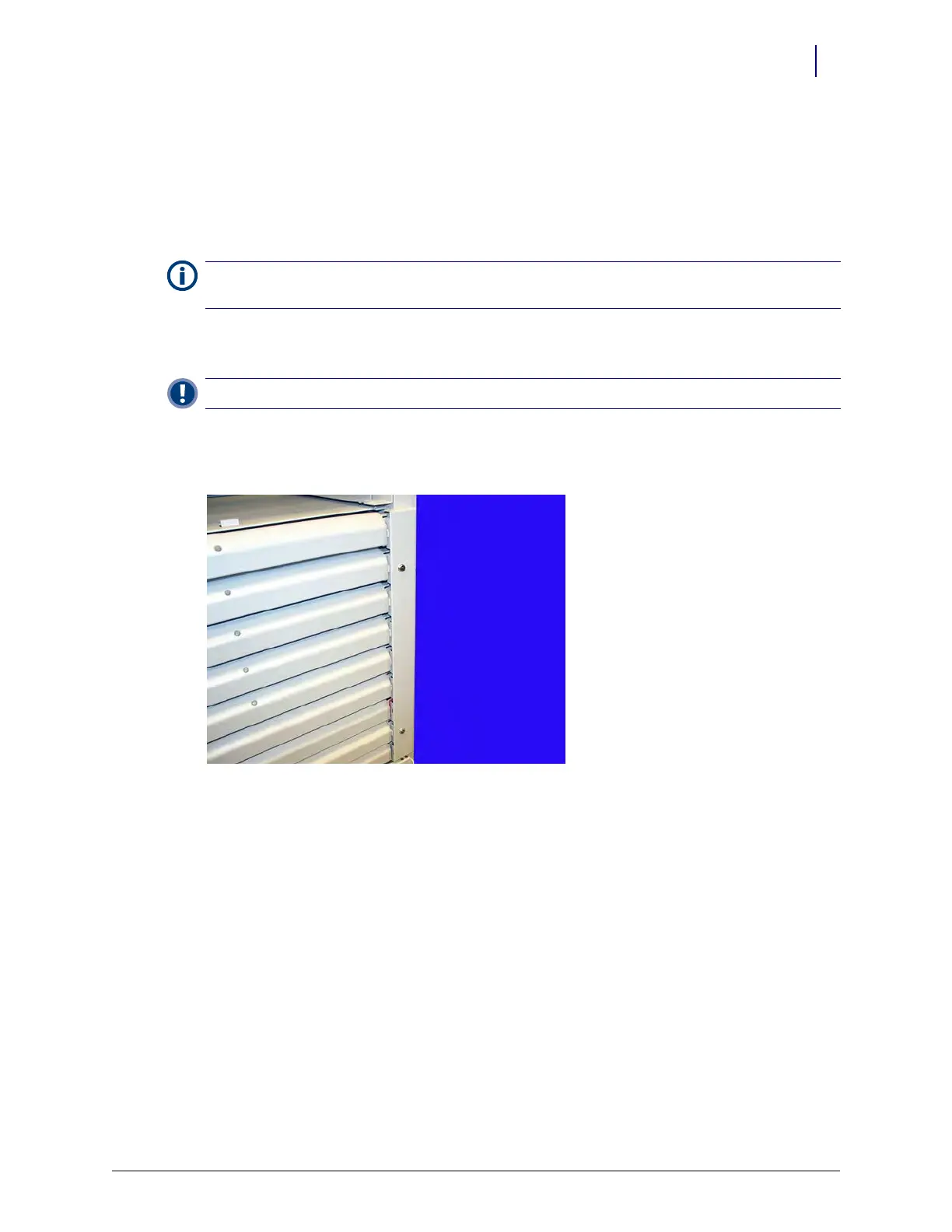
2. Remove the manual override cover on the pharmacy drawers.
Figure 7-18. Remove the manual override cover
3. Pull the manual override lever/flag and open the desired pharmacy drawer.
Note:
When replacing a drawer, reset the drawer address before performing the replacement. See “Resetting
Drawer Addresses” on page 7-17.
Important: A Pharmacist must be present when servicing pharmacy drawers where medications are present.



 To Next Page