12-16 Installing a G4 Console
Install the G4 Console
1-, 2-, 3-Cell Color Touch Installation and Service Guide/67-2014 Rev G © 2011 Omnicell, Inc.
Close the G4 Console and Power on the Cabinet
1. Carefully slide the G4 console with E-Box into the cabinet.
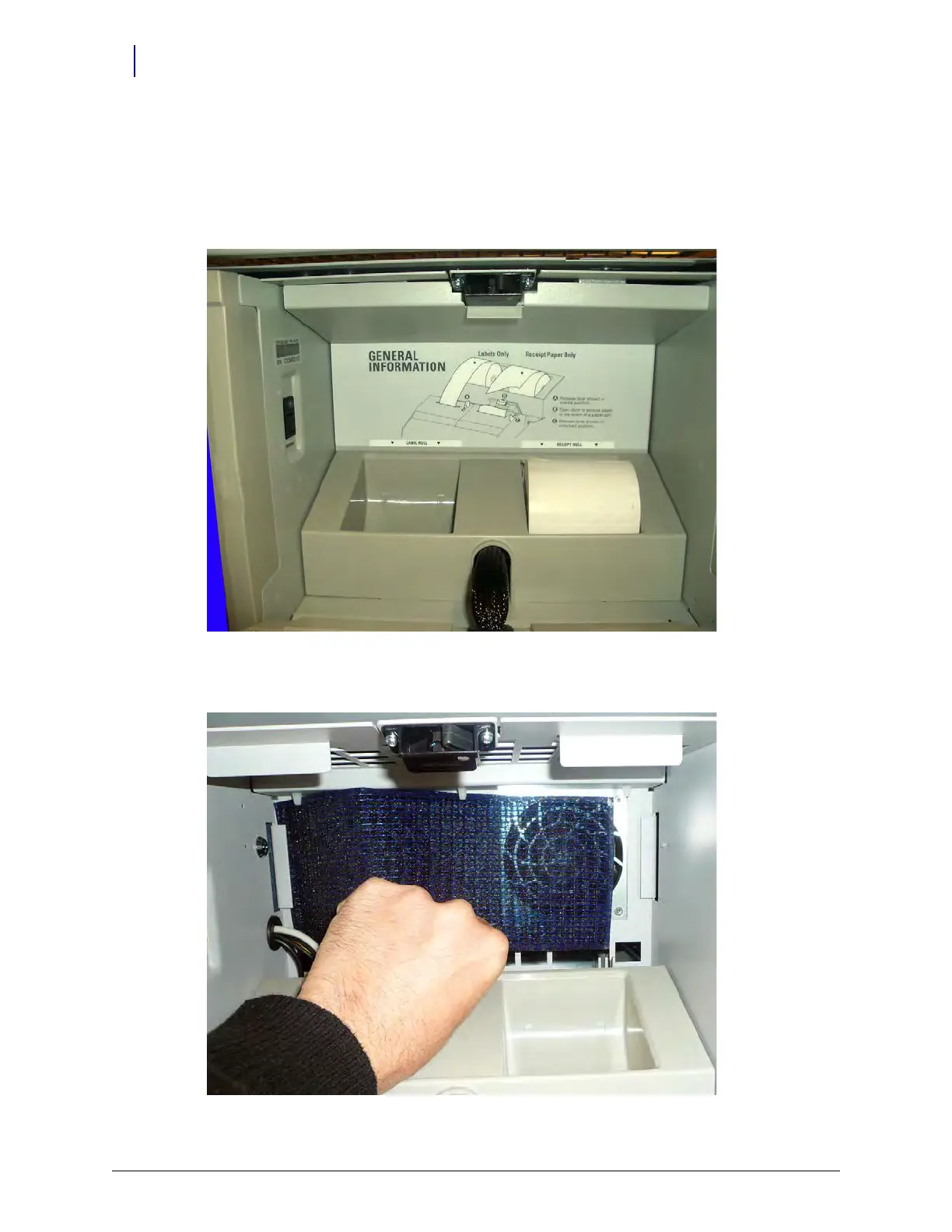
2. Open the keyboard door.
3. Remove the filter access panel.
Figure 12-24. Remove the filter access panel
4. If the filter is not in place, install the filter. Slide the filter behind the filter holders.
Figure 12-25. Add the filter



 To Next Page