© 2011 Omnicell, Inc. 1-, 2-, 3-Cell Color Touch Installation and Service Guide/67-2014 Rev G
Installing a G4 Console 12-15
Install the G4 Console
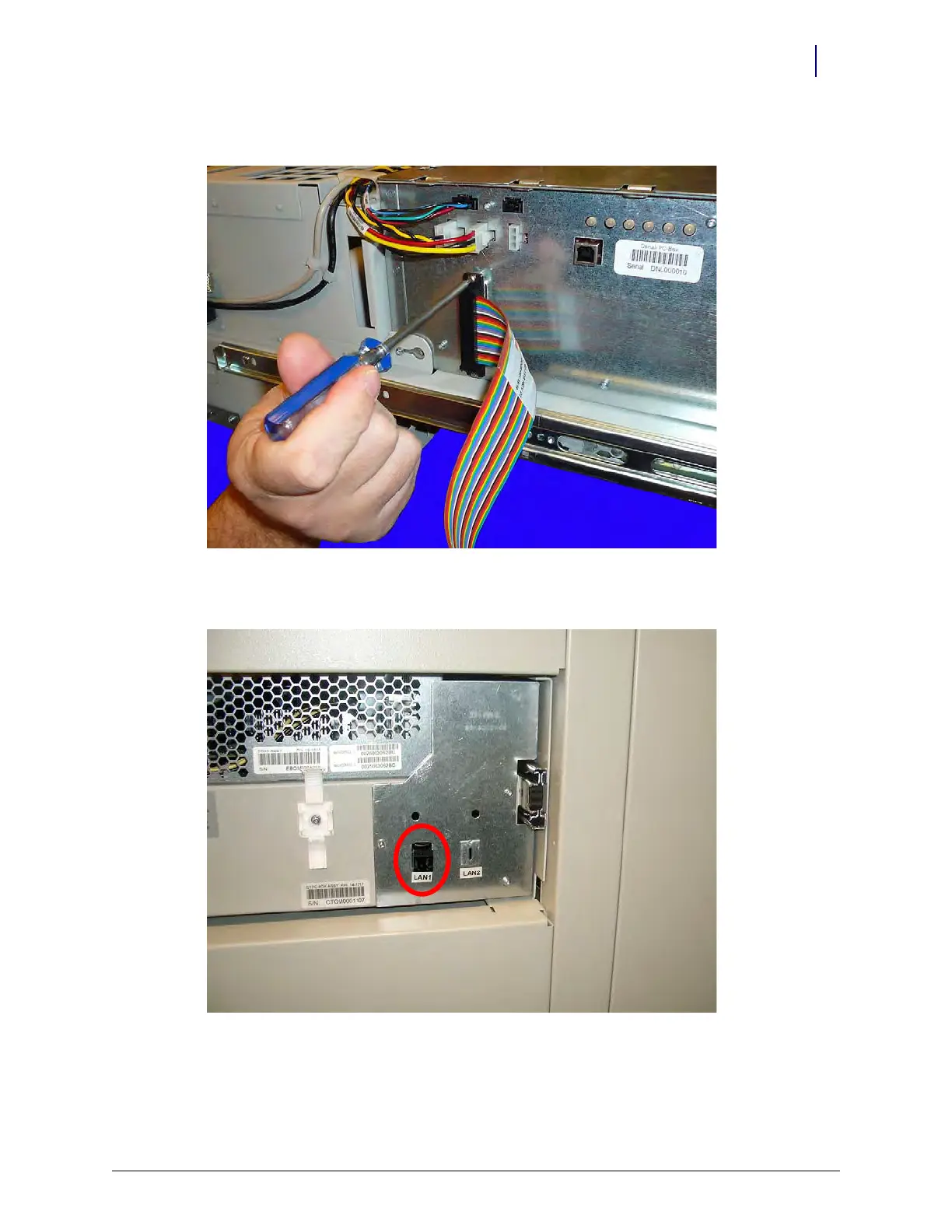
4. Secure the connection with the screws provided. Use a #1 Phillips screwdriver.
Figure 12-22. Connect the wireway cable to the E-Box
5. Attach the network cable to the LAN port provided
Figure 12-23. Attach the network cable



 To Next Page