© 2011 Omnicell, Inc. 1-, 2-, 3-Cell Color Touch Installation and Service Guide/67-2014 Rev G
G4 PC Box Service 13-3
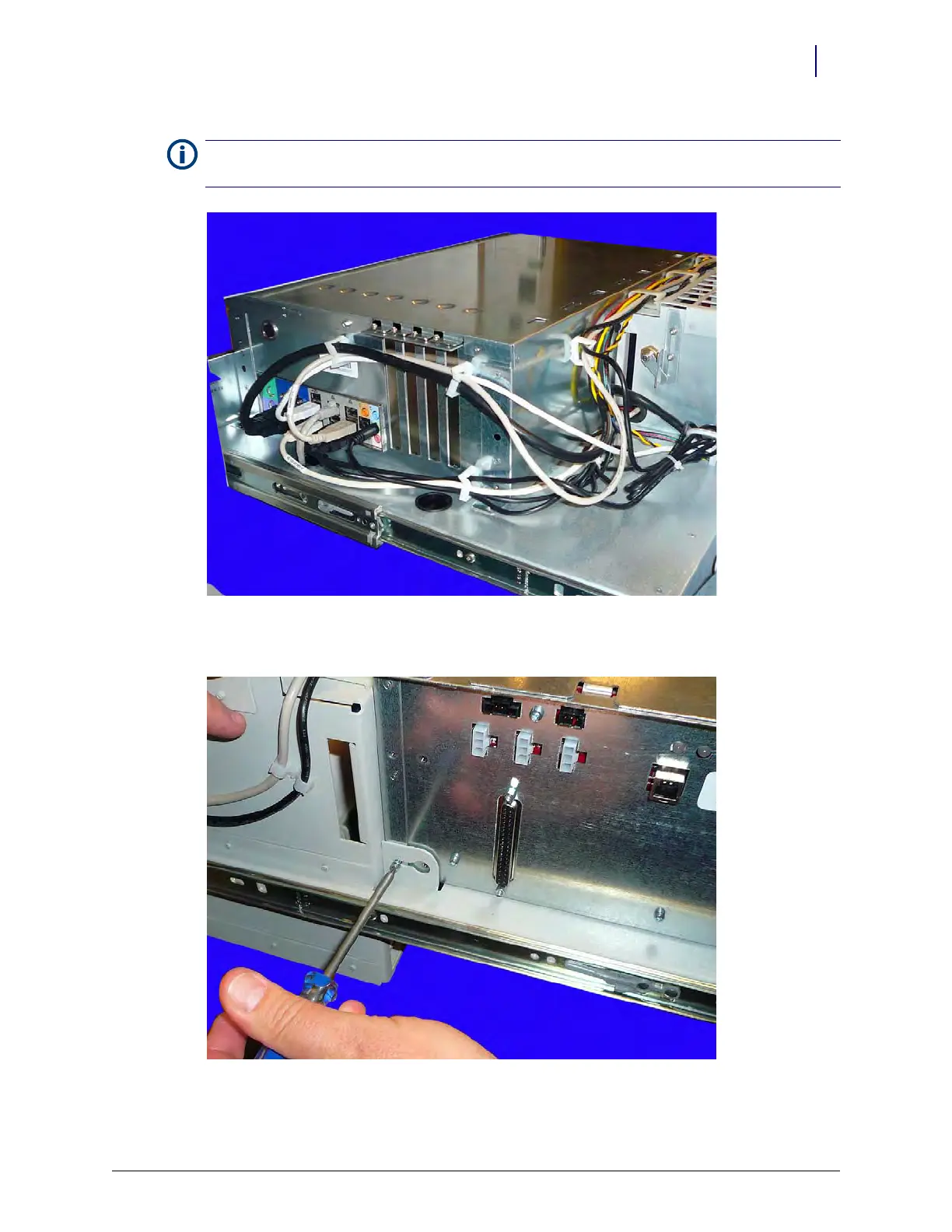
Figure 13-4.
4. Loosen but do not remove the screw on the side of the console frame.
Figure 13-5. Loosen the screw
Note: Take note of the routing of all cables and which cable guide clips are used for which cables. When
replacing these cables, they should be routed the same way they were removed.



 To Next Page