3-2 Shelves
Removal Procedure
1-, 2-, 3-Cell Color Touch Installation and Service Guide/67-2014 Rev G © 2011 Omnicell, Inc.
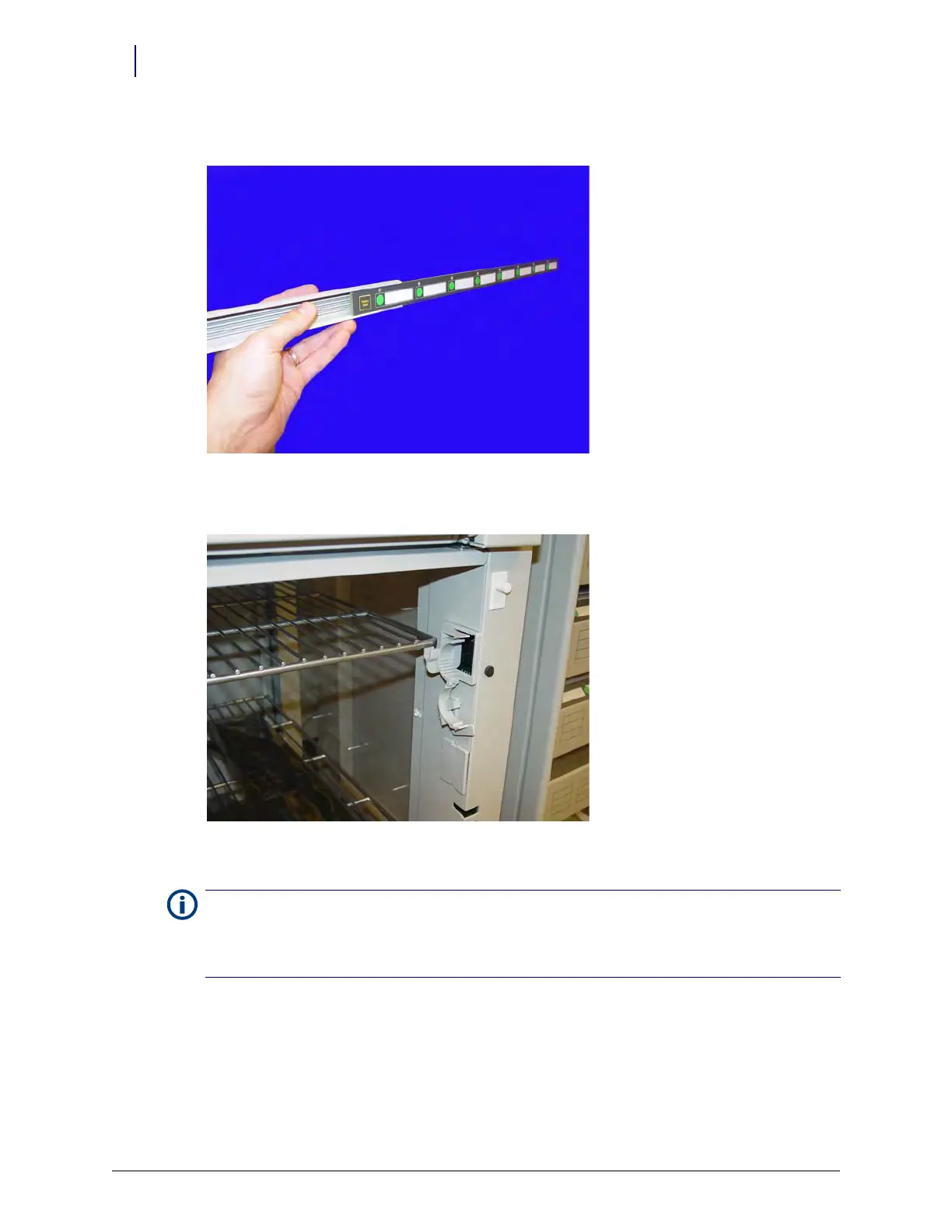
3. Slide the switchpanel from its holder.
Figure 3-3. Remove the switchpanel from its holder
4. Push the shelf up from the slots in the shelf clips and remove the shelf.
Figure 3-4. Push the shelf up and remove
5. Remove the shelf clip if a new shelf will not be re-installed in the same location.
6. Remove the dividers from the clips.
Note:
In certain cases, the shelf clip may be secured with a single screw that provides extra support. Remove
the screw using a Torx T15 screwdriver.
If a new shelf will not be re-installed in the location, be sure to cover the opening in the frame with a cover. The
cover is mostly aesthetic, but will prevent loose objects from falling into the wireway.



 To Next Page