13-12 G4 PC Box Service
1-, 2-, 3-Cell Color Touch Installation and Service Guide/67-2014 Rev G © 2011 Omnicell, Inc.
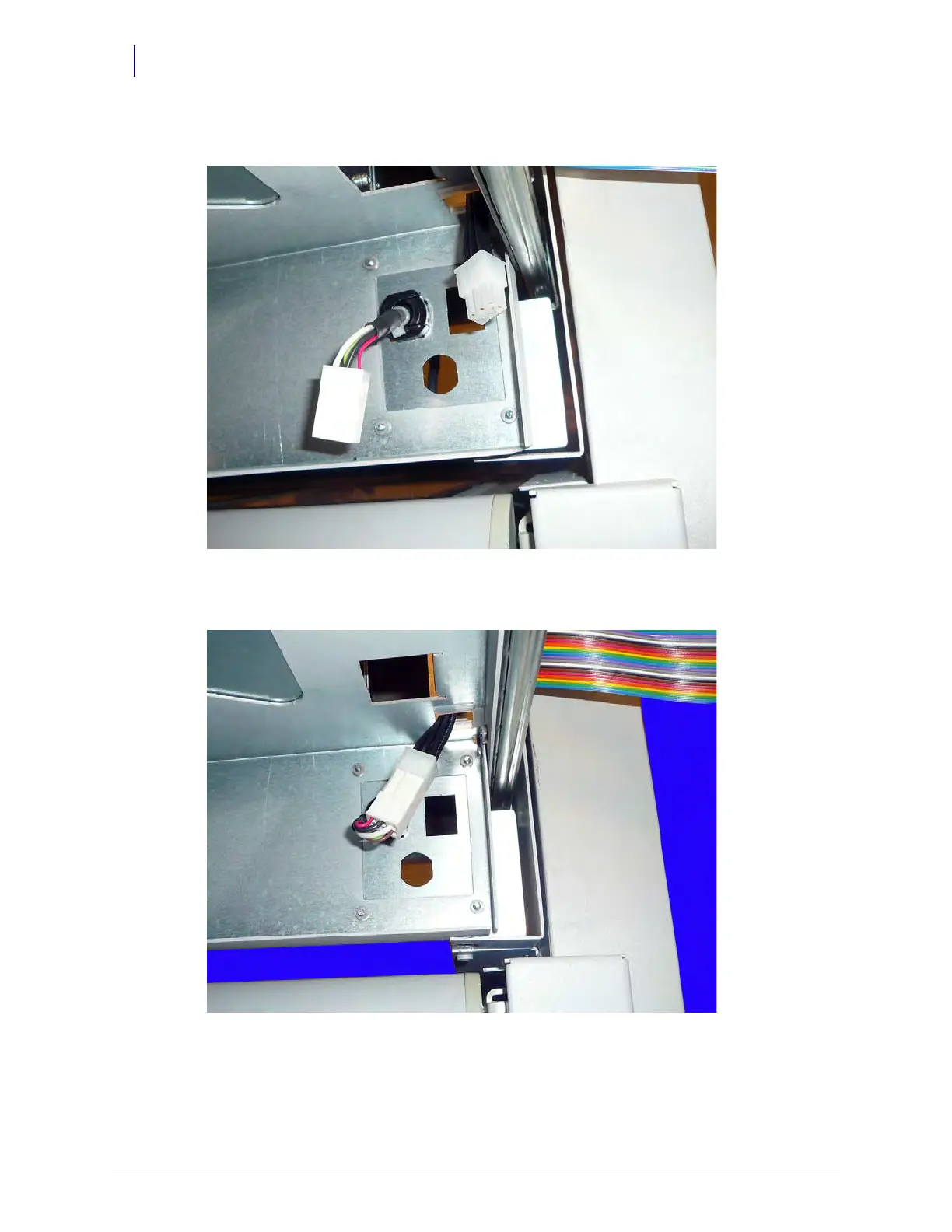
6. Snap the strain relief into the rounded punch-out on the underside of the console tray.
Figure 13-21.
7. Connect the Flex Lock or ERB cable to the extender.
Figure 13-22.
8. Mount the Flex Lock or ERB according to the facility request.



 To Next Page