© 2011 Omnicell, Inc. 1-, 2-, 3-Cell Color Touch Installation and Service Guide/67-2014 Rev G
G4 PC Box Service 13-11
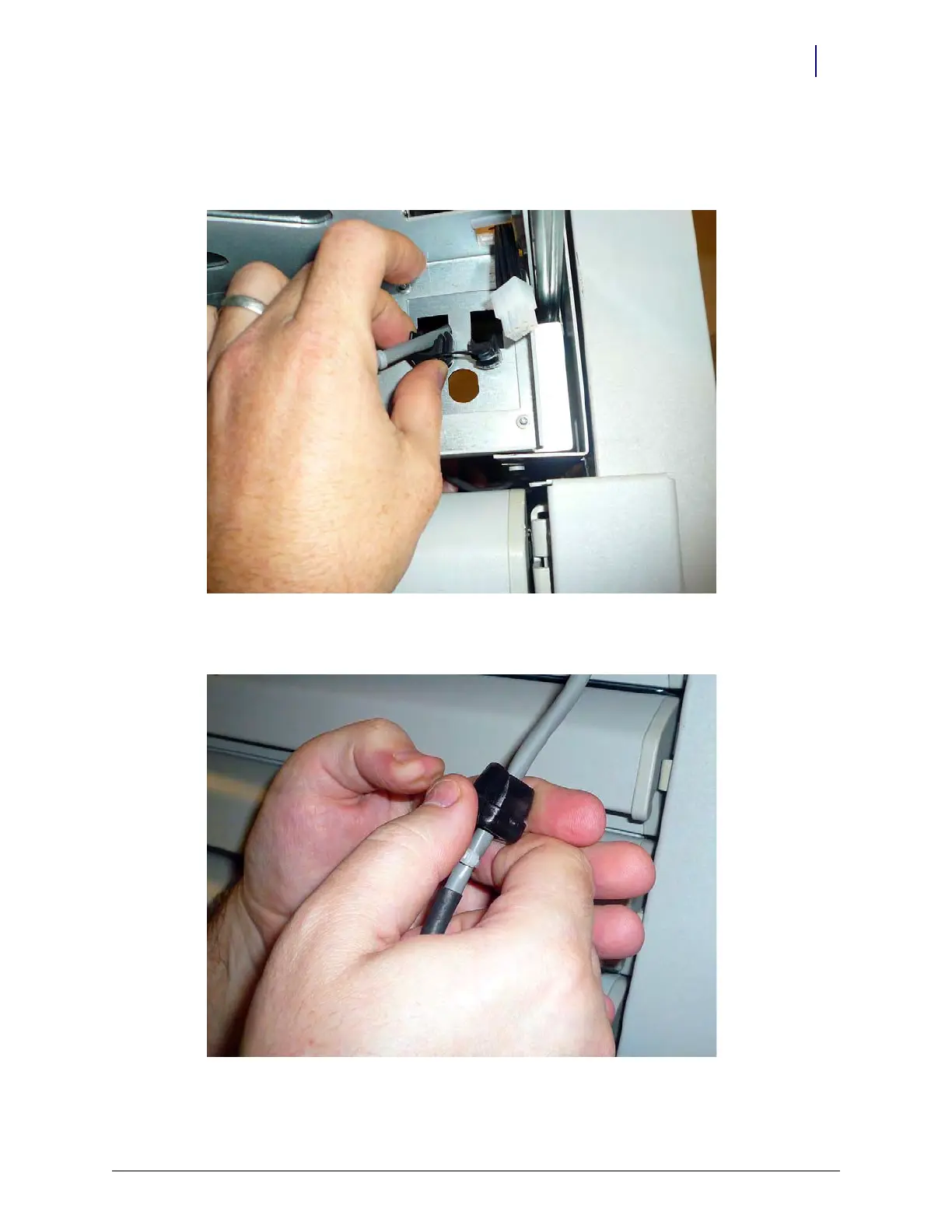
3. Feed the Flex Lock or External Return Bin (ERB) cable through the punch-out hole on the
underside of the CT PC console.
4. Attach a strain relief to the cable. Place the strain relief six to nine inches from the connector.
Figure 13-19.
5. Snap the strain relief into place and ensure that it is secure on the cable.
Figure 13-20.



 To Next Page