13-14 G4 PC Box Service
Remove and Replace the LCD Touch Screen
1-, 2-, 3-Cell Color Touch Installation and Service Guide/67-2014 Rev G © 2011 Omnicell, Inc.
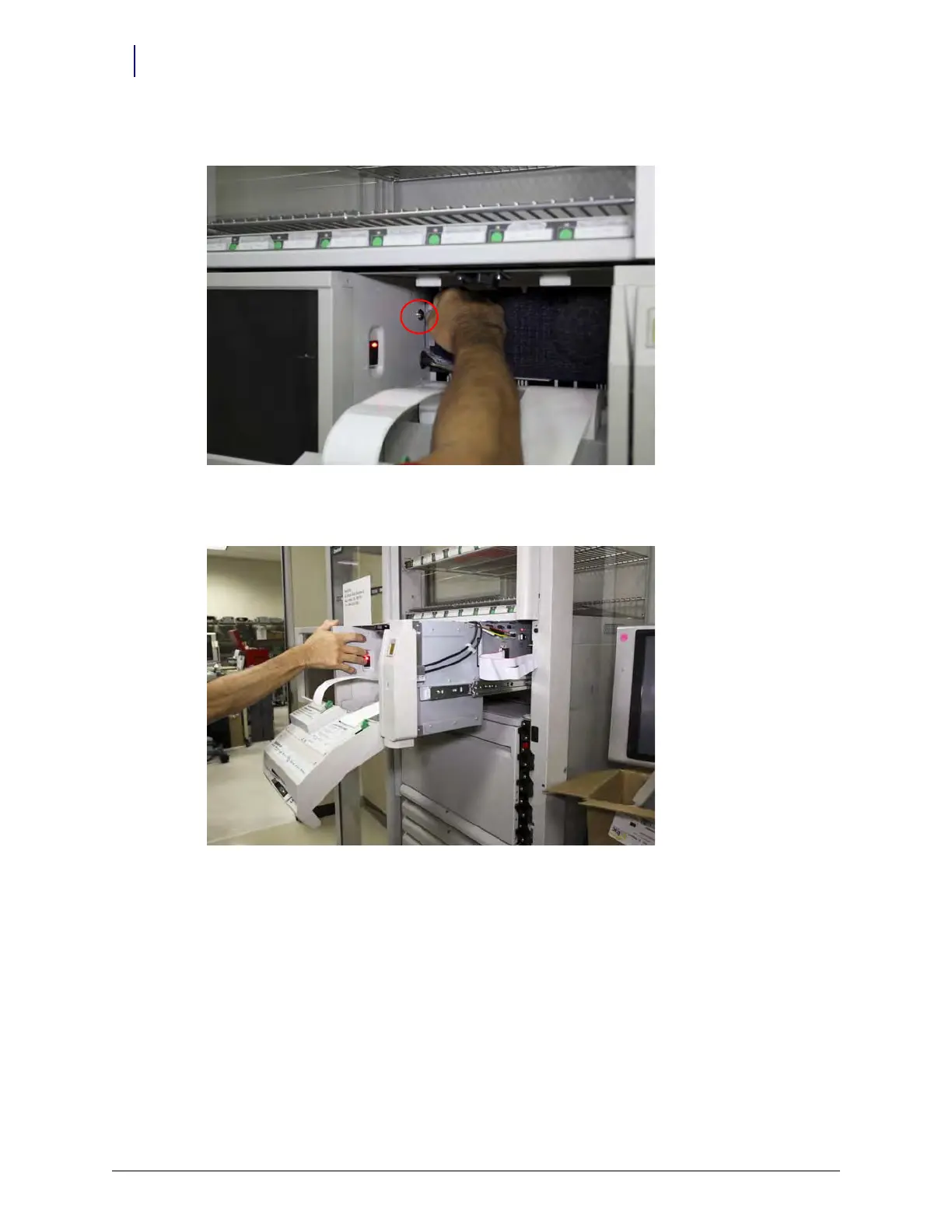
5. Use key #2378 and unlock the CT PC box.
Figure 13-25. Unlocking the PC Box
6. Pull the system out enough to gain easy access to the rear of the LCD touch screen panel.
Figure 13-26. Pull the PC Box only far enough to gain sufficient access



 To Next Page