14-16 E-Box Service Guide
Remove/Replace the Power Supply
1-, 2-, 3-Cell Color Touch Installation and Service Guide/67-2014 Rev G © 2011 Omnicell, Inc.
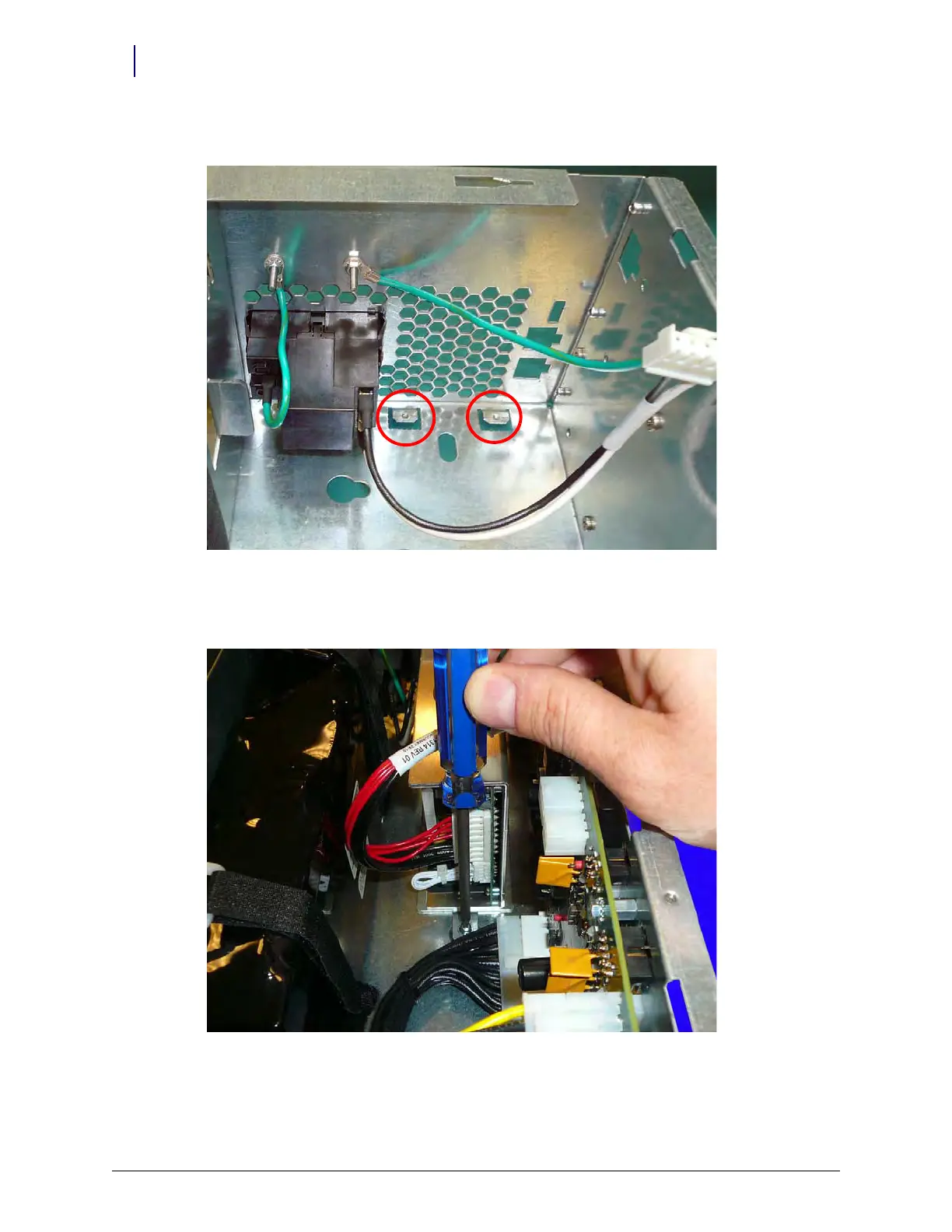
3. Slide the power supply into place underneath the two tabs on the E-Box frame.
Figure 14-23. Tabs to secure the power supply
4. Secure the power supply to the E-Box by replacing the screw that secures the power supply to
the E-Box.
Figure 14-24. Replace the screw that secures the power supply to the E-Box



 To Next Page