© 2011 Omnicell, Inc. 1-, 2-, 3-Cell Color Touch Installation and Service Guide/67-2014 Rev G
Drawers 7-9
Installation Procedures
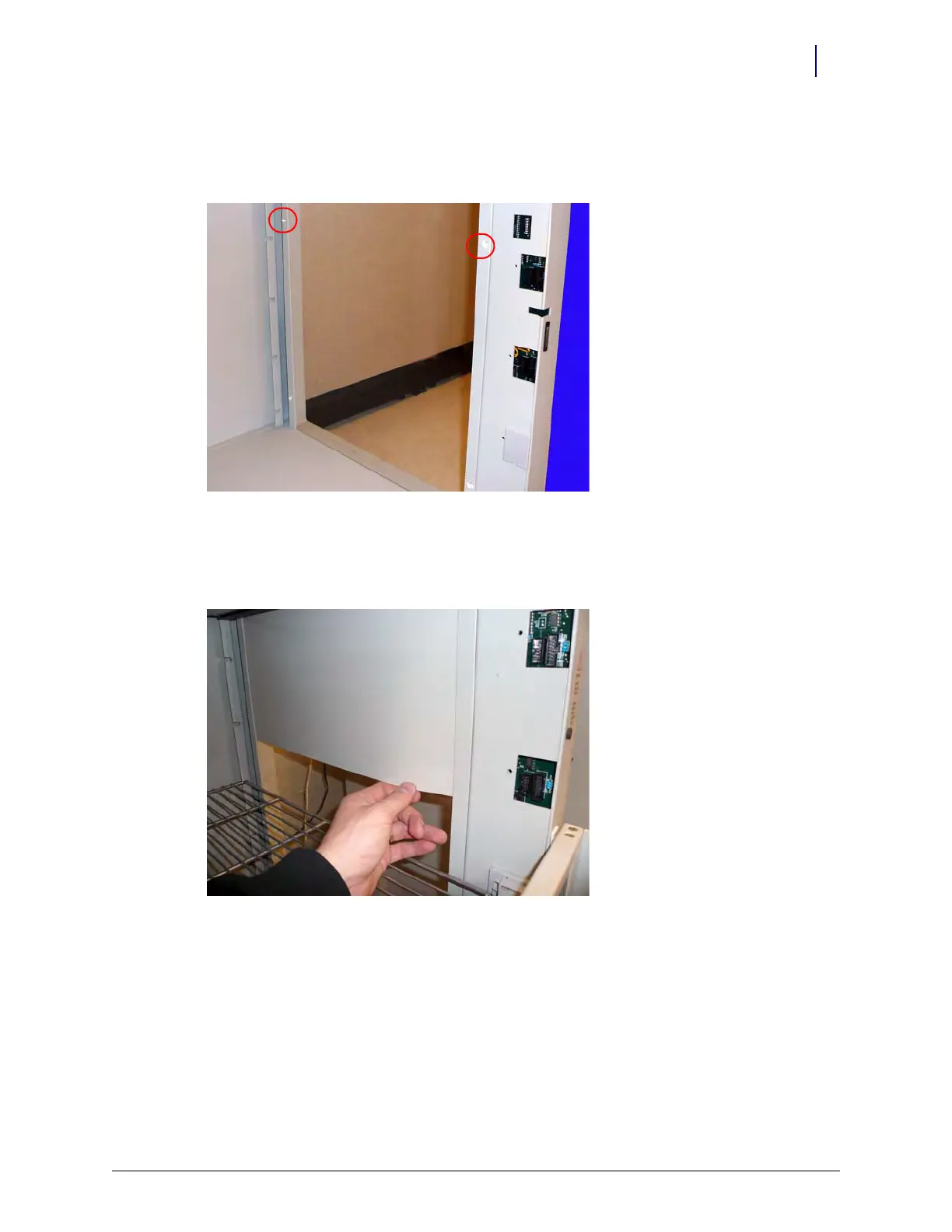
6. If a plastic cover panel is not already located on each side of the frame, cut the rivets present on
the inside of the frame in the zone in which the Three Drawer Pharmacy Module needs to be
installed. Use diagonal cutters to cut the rivets.
Figure 7-7. Cut the rivets on the inside of the frame
7. Slide the plastic cover panel between the metal flange and the acrylic panel on the inner side of
the frame, aligning all rivet holes. Secure the panel to the frame with rivets using a rivet
installer.
Figure 7-8. Slide the plastic cover panel between the metal flange and the acrylic panel



 To Next Page