415
DP-C405/C305/C265
FEB 2008Ver. 1.1
4 Troubleshooting
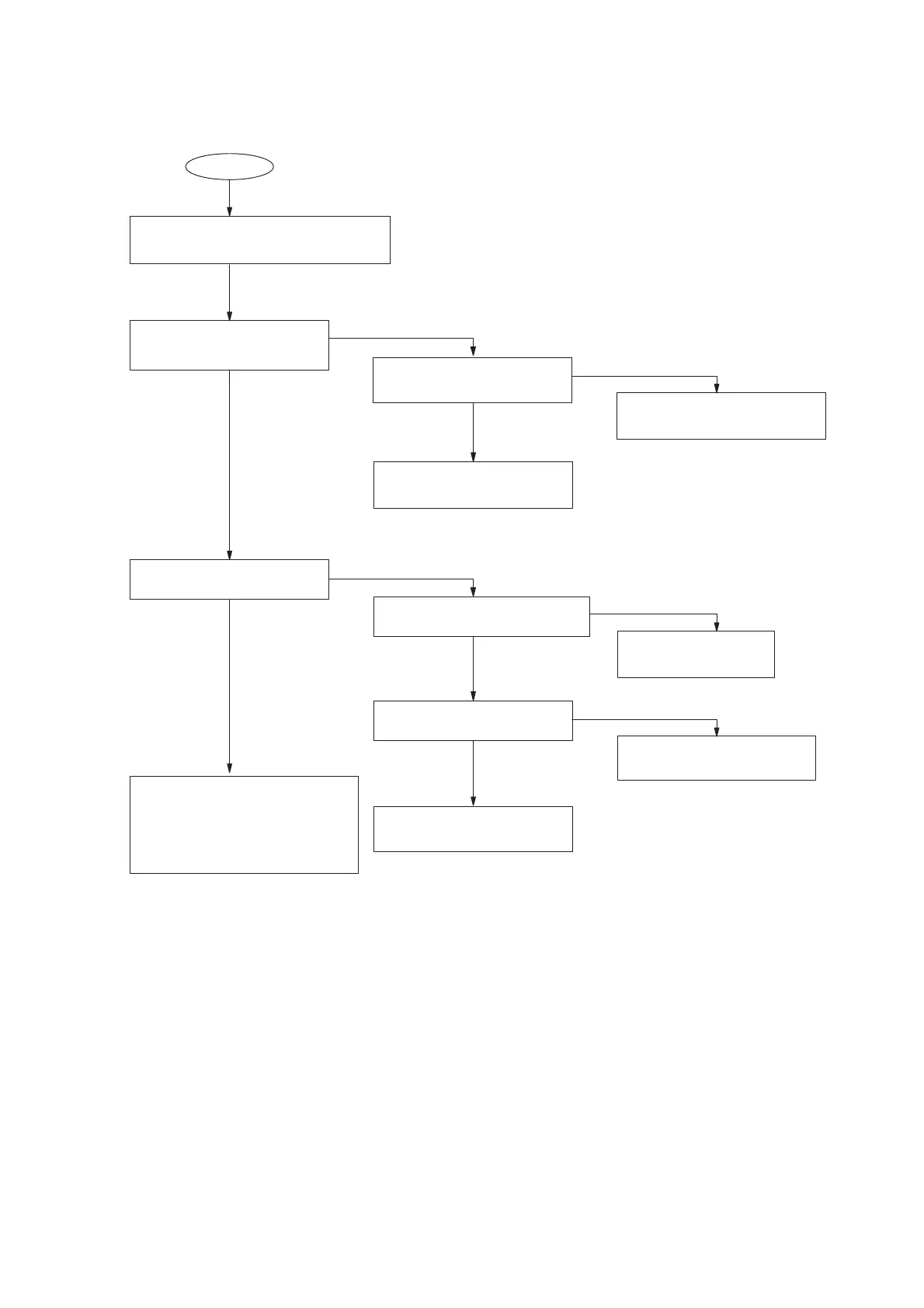
4.1. Initial Troubleshooting Flowchart
START
Plug in the Power Cord, and then
turn the Power Switches ON.
Does the LCD display
function correctly?
Does the original document
feed through correctly?
Does the recording paper
exit the unit?
Troubleshoot printed
copy quality problems
Troubleshoot the
Document Feeder
Check for recording
paper path problems.
Troubleshoot Improper
LCD Display
Troubleshoot any 3-digit
CODE displayed
Does the unit produce
normal copies?
Troubleshoot communication
problems (transmission,
reception, dialing, polling,
information codes, or
diagnostic codes.)
Does the unit power up
normally?
Yes
Yes
Yes
Yes
No
No
No
No
Yes
No



 To Next Page