809
DP-C405/C305/C265
FEB 2008Ver. 1.1
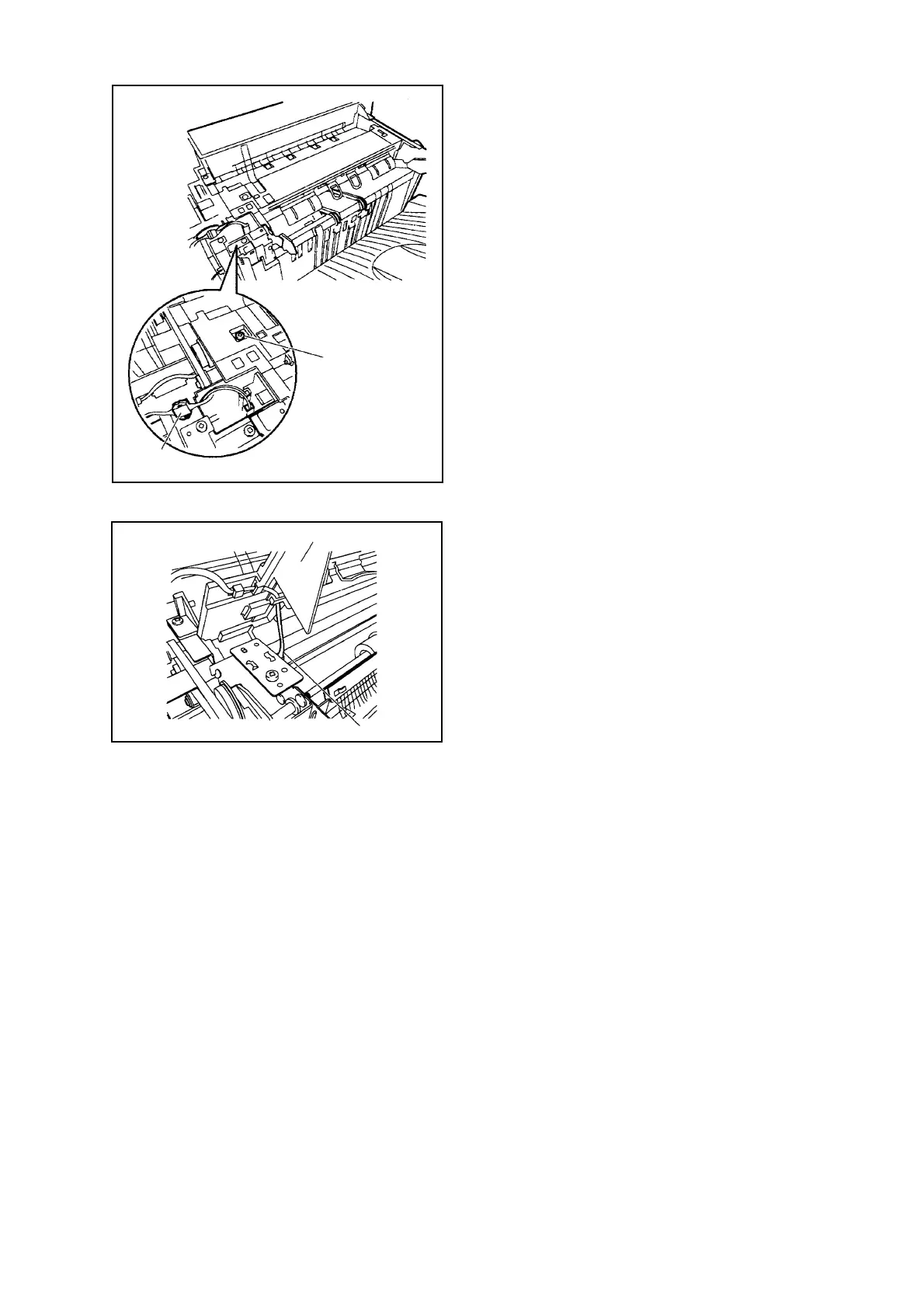
Fig. 3-009
1-5. Removing the Processing Tray Upper Cover
(1) Remove the Front Cover. (See Removing the
Front Cover)
(2) Remove the Rear Cover. (See Removing the
Rear Cover)
(3) Remove the Upper Cover. (See Removing the
Upper Cover)
(4) Disconnect the Connector [1], and remove the
Screw [2].
Fig. 3-010
(5) While lifting the Processing Tray Upper Cover
[3], disconnect the Connector [4]; then, detach
the Processing Tray Upper Cover [3].
[1]
[2]
[3]
[4]



 To Next Page