429
DP-C405/C305/C265
FEB 2008Ver. 1.1
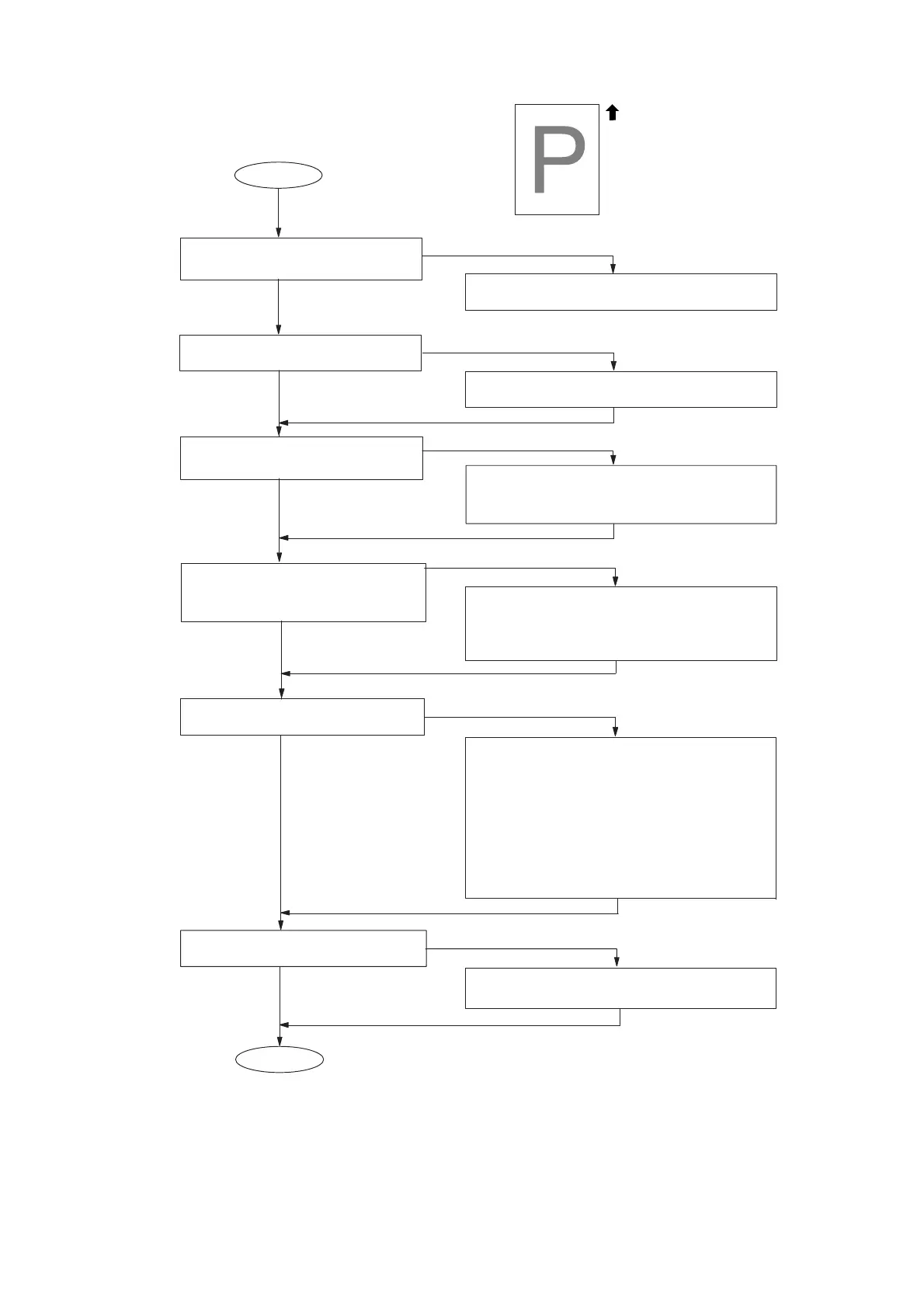
4.3.11. Light Print
END
No
Yes
START
Yes
No
Check the Scanner mechanism.
No
Yes
Is the Drum/Developer Unit
operating properly?
Is the recording paper damp?
Yes
No
Replace the paper.
Are there any foreign particles, or
stains blocking the Laser Unit
path?
Yes
No
1. Remove the particles from the laser
beam path or clean the stains.
2. Replace the LSU.
(Refer to Section 2.2.12.)
Yes
No
Paper Travel
Replace the Drum/Developer Unit.
(YMCK Colors)
(Refer to Section 2.2.11.)
Is the HVPS operating properly?
1. Check all connectors and, voltages
on the HVPS.
2. Check the Spring Connector, and
voltages on the HVPS.
3. Replace the HVPS.
(a) HVPS 1 (Left side) for Yellow/Magenta
(b) HVPS 1 (Right side) for Cyan/Black
(c) HVPS 2 for YMCK Colors
(Refer to Section 2.2.15.)
Is the IT Unit operating properly?
Check the IT mechanism.
(Refer to Section 2.2.10.)
Is the Test Pattern printout in
Copier F1 Mode normal?



 To Next Page