832
DP-C405/C305/C265
FEB 2008Ver. 1.1
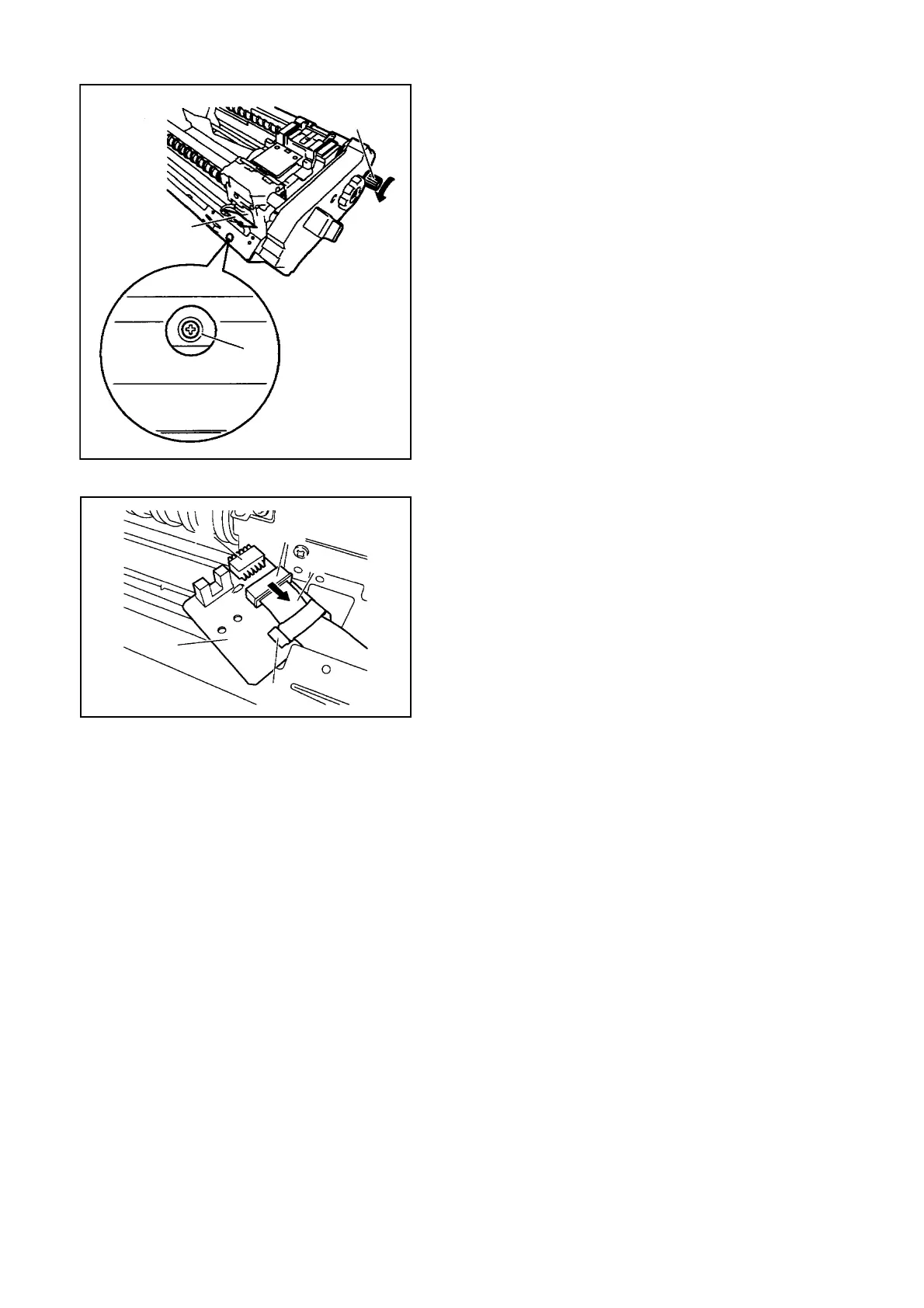
Fig. 3-075
(5) Turn the Tab [2] on the Stapler side in the
direction of the arrow so that the Fixing Screw
[7] of the Slide Home Position PCB [6] is in
view through the round hole.
(6) Remove the Fixing Screw [7].
Fig. 3-076
(7) Disconnect the Connector [8].
(8) Remove the Flexible Cable Retainer [9].
(9) Free the Lock [10] of the Connector in the
direction of the arrow; then, detach the Flexible
Cable [11], and then detach the Slide Home
Position PCB [12].
[2]
[6]
[7]
[8]
[12]
[9]
[10]
[11]



 To Next Page