User’s Manual of IGS-4215-16T2S
4.4.1 LAG Setting
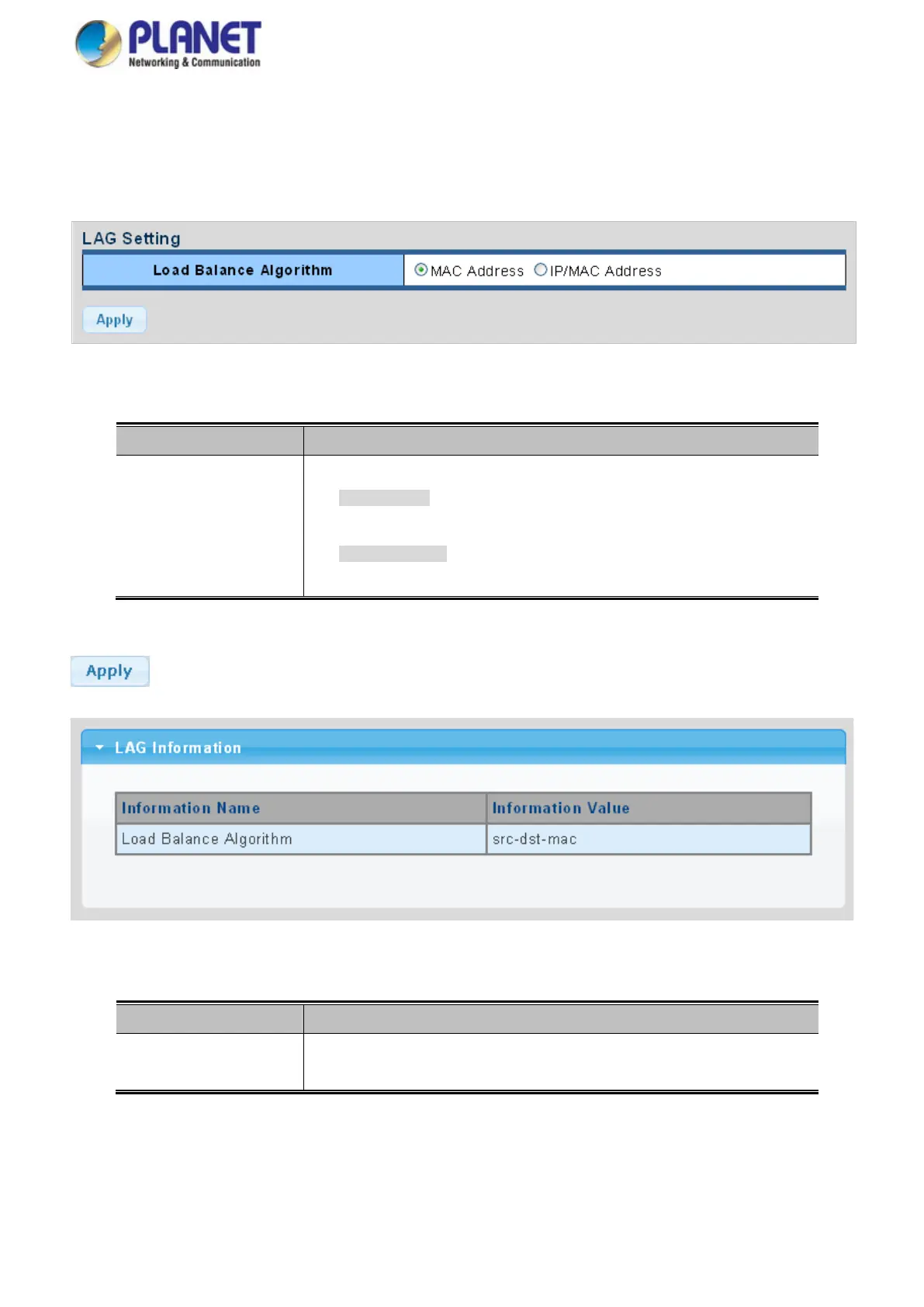
This page allows configuring load balance algorithm configuration settings. The LAG Setting screens in Figure 4-4-2 and Figure
4-4-3 appear.
Figure 4-4-2: LAG Setting Page Screenshot
The page includes the following fields:
Object Description
• Load Balance
Algorithm
Select load balance algorithm mode:
MAC Address: The MAC address can be used to calculate the port for the
frame.
IP/MAC Address: The IP and MAC address can be used to calculate the
port for the frame.
Buttons
: Click to apply changes.
Figure 4-4-3: LAG Information Page Screenshot
The page includes the following fields:
Object Description
• Load Balance
Algorithm
Displays the current load balance algorithm.



 To Next Page
 Loading...









