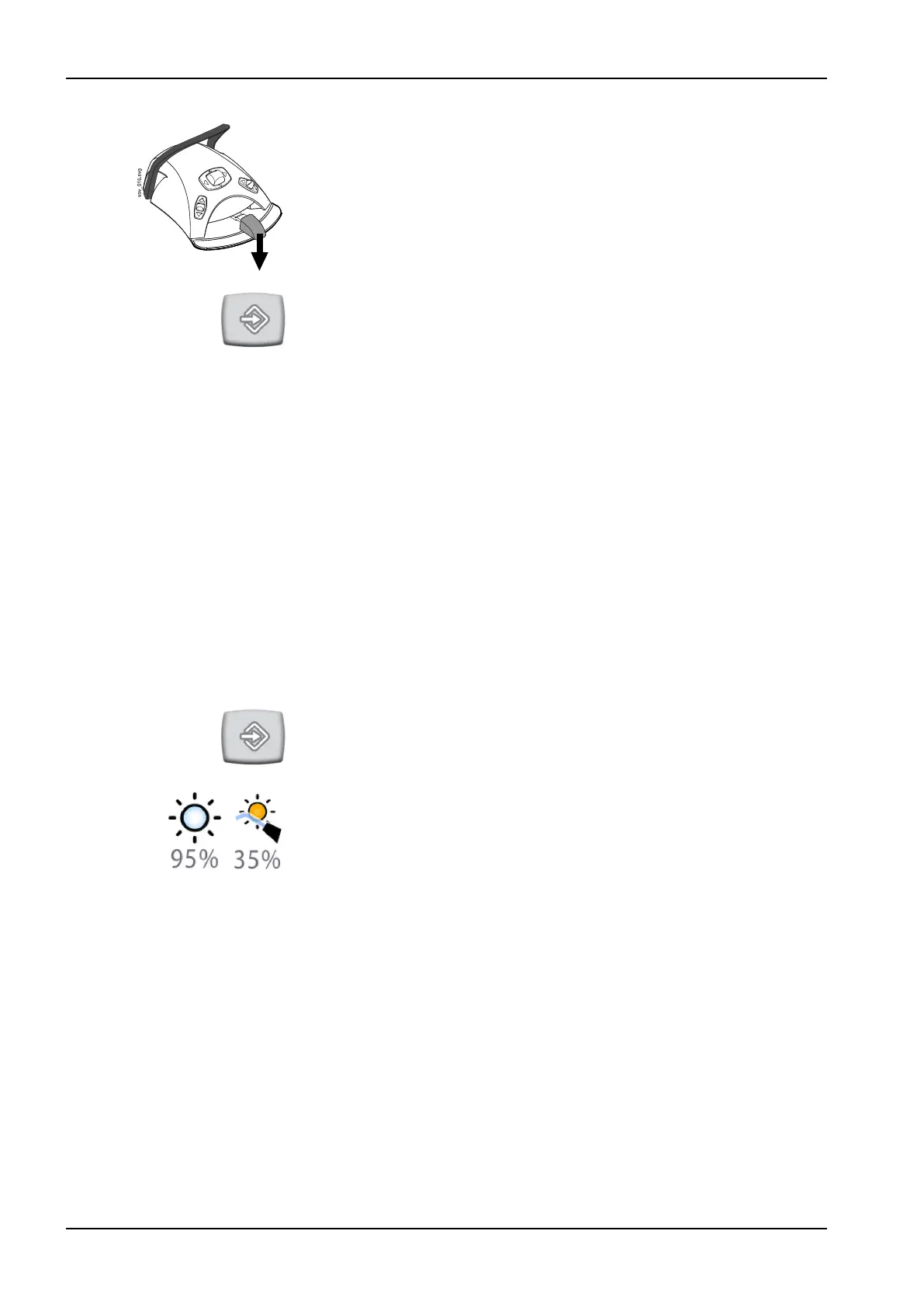
4. Push the foot control pedal down. The cup filling time will first be set to 2
seconds and will start to increase after pushing the foot control pedal for
2 seconds. The pedal can be released and then pushed again, and the
time continues to increase. Continue until the cup is filled to the desired
level.
5.
Press Program.
25.7 Planmeca Solanna and Planmeca Solanna Vision operating lights
25.7.1 Intensity
About this task
NOTE
The light intensity can also be adjusted from the operating light, see sections
"Adjusting intensity of operating light" on page 119 and "Adjusting intensity
of operating light in composite mode" on page 120.
When you have signed in to the dental unit with your own user name, all
changes you make to the light mode settings and then save, are saved to
your user profile. This means that whenever you sign in to the dental unit,
you will use your last saved light mode settings.
Steps
1. Press Program.
2. Press Operating light or Composite mode. Both buttons open the same
pop-up window.
25 Programming
190 Planmeca Compact i User's manual














 To Next Page