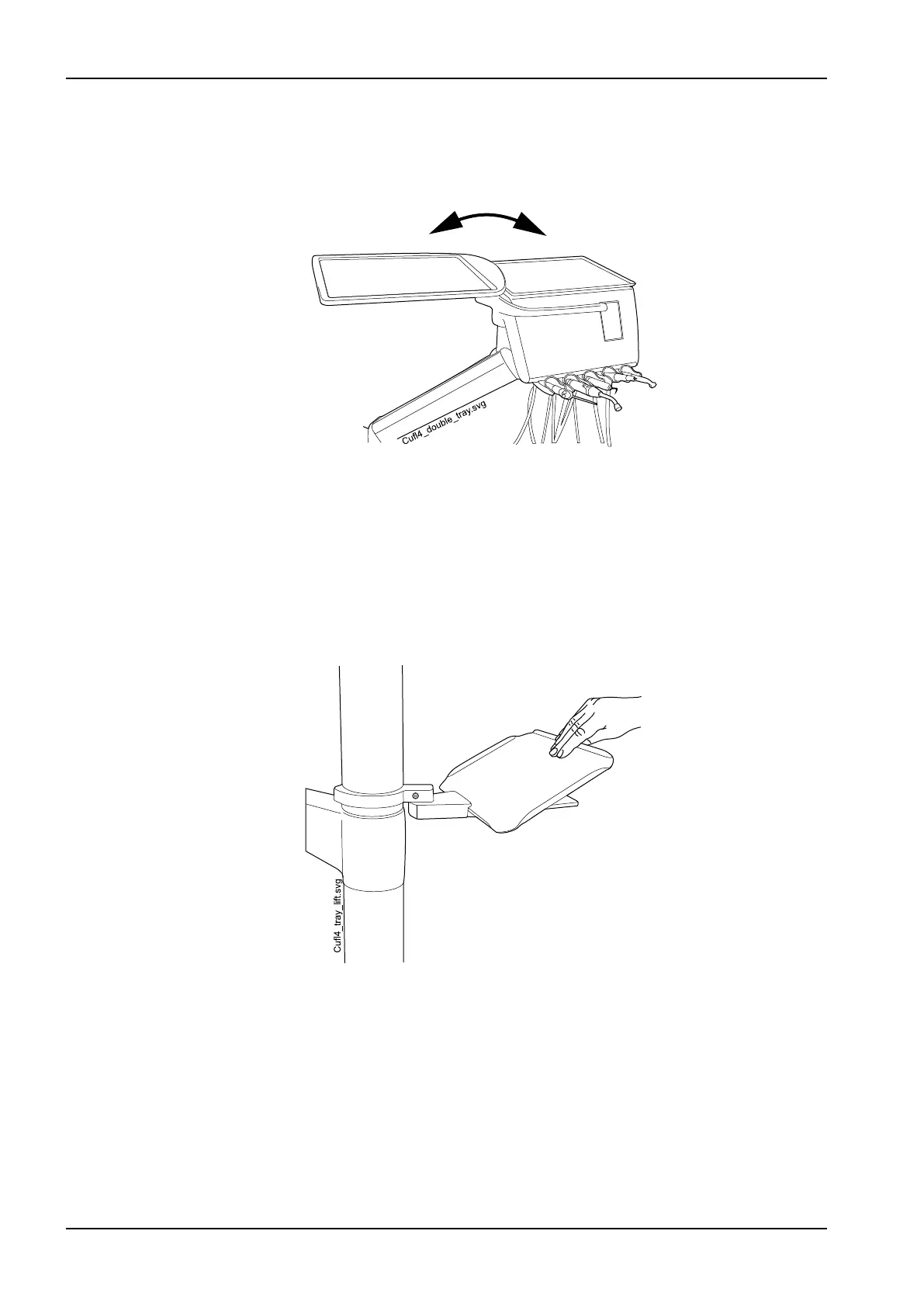
The top tray table is attached to the instrument console with a quick-
connector, enabling an easy attachment and detachment of the tray table
(see picture in section "Top tray table" on page 44.)
The rotating tray table can be rotated 180° to the desired position.
10.5.6 Column tray
The column tray is available for all dental units with a column. In OP
deliveries the mounting arm is attached to the column above the OP delivery
arm.
The tray table is attached to the mounting arm with a magnetic connector
and can easily be attached and detached. You can rotate the table 180° to
the desired position. The maximum load on the quick-connect tray is 2
kilograms (4.4 lbs).
10.5.7 Over-the-patient (OP) tray
A tray table for surgical purposes is available for side-deliveries and for the
mobile cart. The OP tray can be mounted on an OP delivery arm, which in its
turn is mounted on the pylon.
10 Instrument system
46 Planmeca Compact i User's manual














 To Next Page