Steps
1. Press Program.
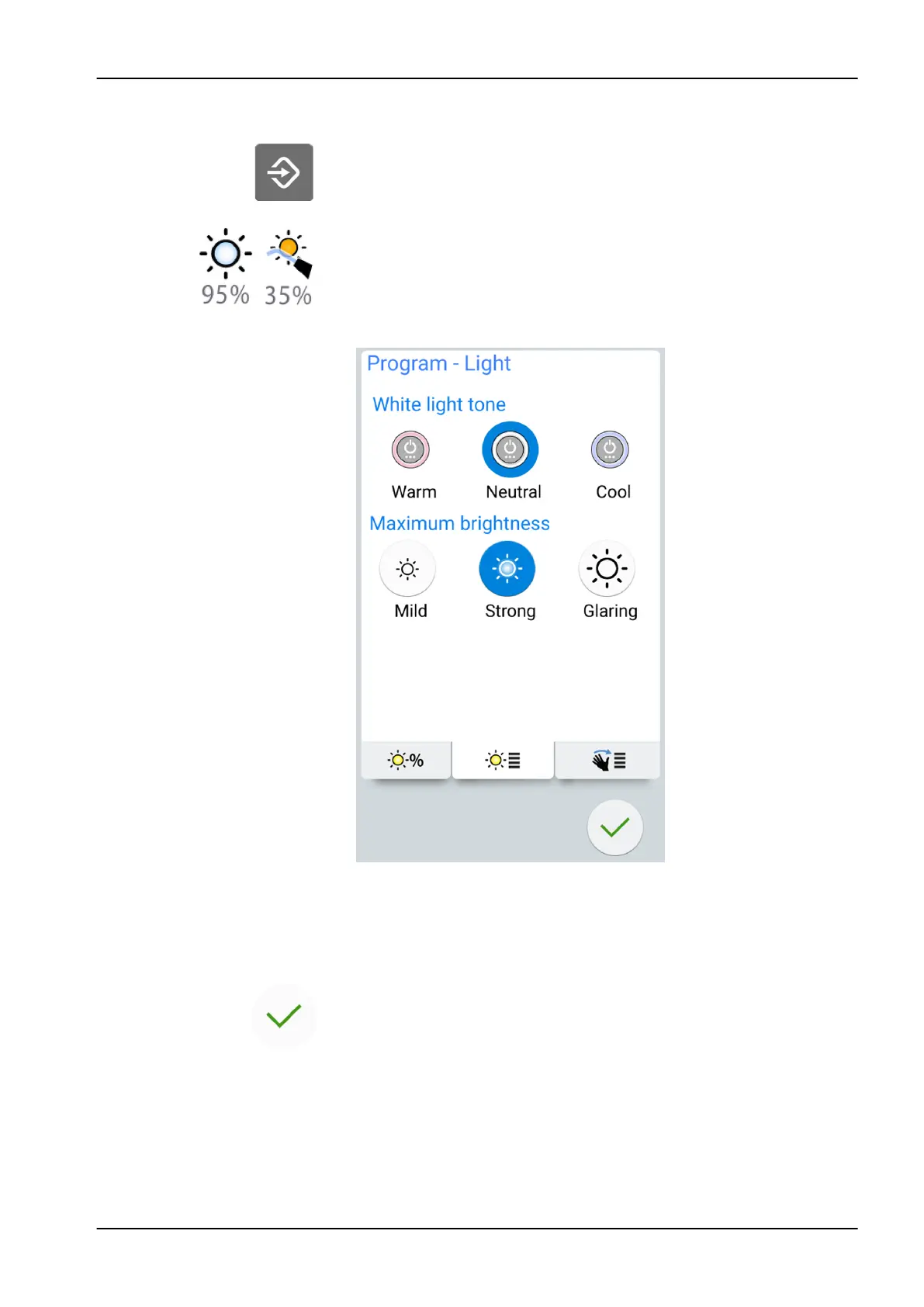
2. Press Operating light or Composite mode. Both buttons open the same
pop-up window.
3. Open the
Colour temperature
tab.
4. Select the white light tone by pressing it.
The selected tone is highlighted in blue.
5. Select the maximum brightness by pressing it.
The selected brightness is highlighted in blue.
6. Press OK.
The pop-up window closes.
24 Programming
User's manual Planmeca Compact i3 165












 To Next Page