12 Patient chair
CAUTION
Make sure no one sits on the legrest or the backrest.
NOTE
Dark coloured clothes may cause coloured stains on the bright coloured
upholstery.
12.1 Patient recognition
A sensor in the patient chair recognises if there is a patient in the chair and
forwards information about this to Planmeca Romexis Clinic Management
software.
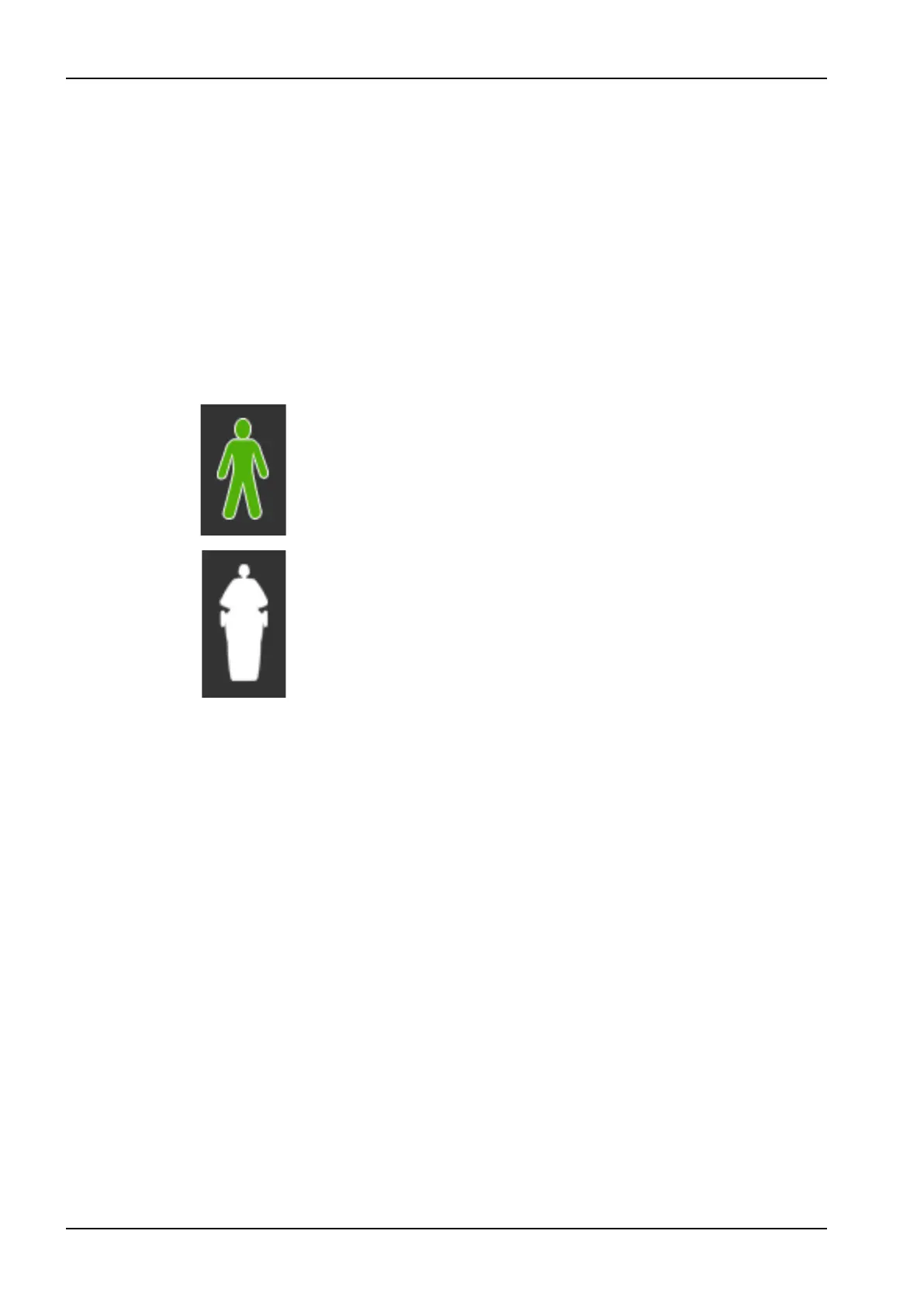
When a patient is in the chair, a Patient icon is displayed on the control
panel.
When the chair is empty, an Empty chair icon is displayed on the control
panel.
12.2 Trendelenburg position
If required, the patient chair can be inclined from the horizontal position to
the Trendelenburg position. In the Trendelenburg position the legrest is in
the horizontal position and the backrest is driven -4° from the horizontal
position.
12 Patient chair
46 Planmeca Compact i3 User's manual












 To Next Page