How to clean dental unit surfaces
When Part Cleaning agent Additional cleaning method
Dish-
washer
(65°C)
Washer-
disinfector
(93°C)
Autoclave
(134°C)
Monitor Planmeca
approved surface
disinfectant
Upholstery Mild soap- and
water solution
After the working
day
Upholstery Planmeca
approved
upholstery
disinfectant
On Flexy-holder:
Suction tube
holders (incl.
rollers),
instrument holder
and
supplementary
holders
Planmeca
approved surface
disinfectant
X
On Flexy-holder:
Holder for
intraoral scanner
Planmeca
approved surface
disinfectant
Weekly Upholstery Planmeca
approved
upholstery
treating agent.
Wipe away any
excess oil after
treatment.
Instrument console
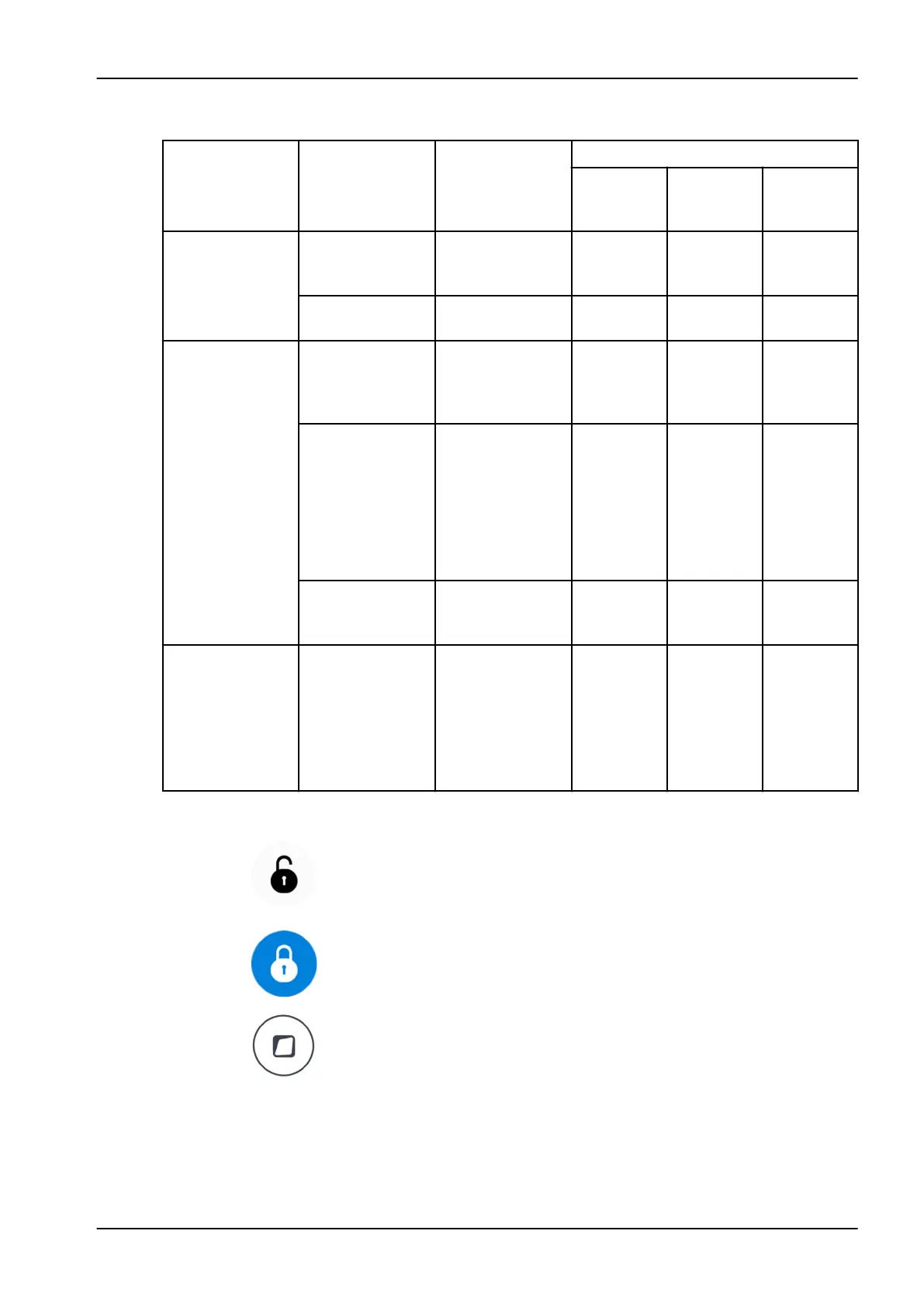
Before cleaning the instrument console, lock the touch display by pressing
the Lock button in the
Maintenance
window.
When the touch display is locked, the Lock button is blue. Press the button
for 1 second to unlock the touch display. A progress bar is displayed while
you press the button.
Alternatively, the dental unit can be configured so that you can lock/unlock
the touch display by pressing the Flexy button. Contact your Planmeca
dealer.
NOTE
When the dental unit is equipped with hanging-tube instruments, dry the
instrument holders properly after cleaning. Wet surfaces might disturb
instrument recognition.
27 Cleaning and disinfection
User's manual Planmeca Compact i3 185












 To Next Page