CDHD Drive Setup
User Manual 99
5 .6 .7 H ost Com pu t er – C1 an d/ or C7
The drive can be connected t o the host computer through eit her one of the
following int erfaces:
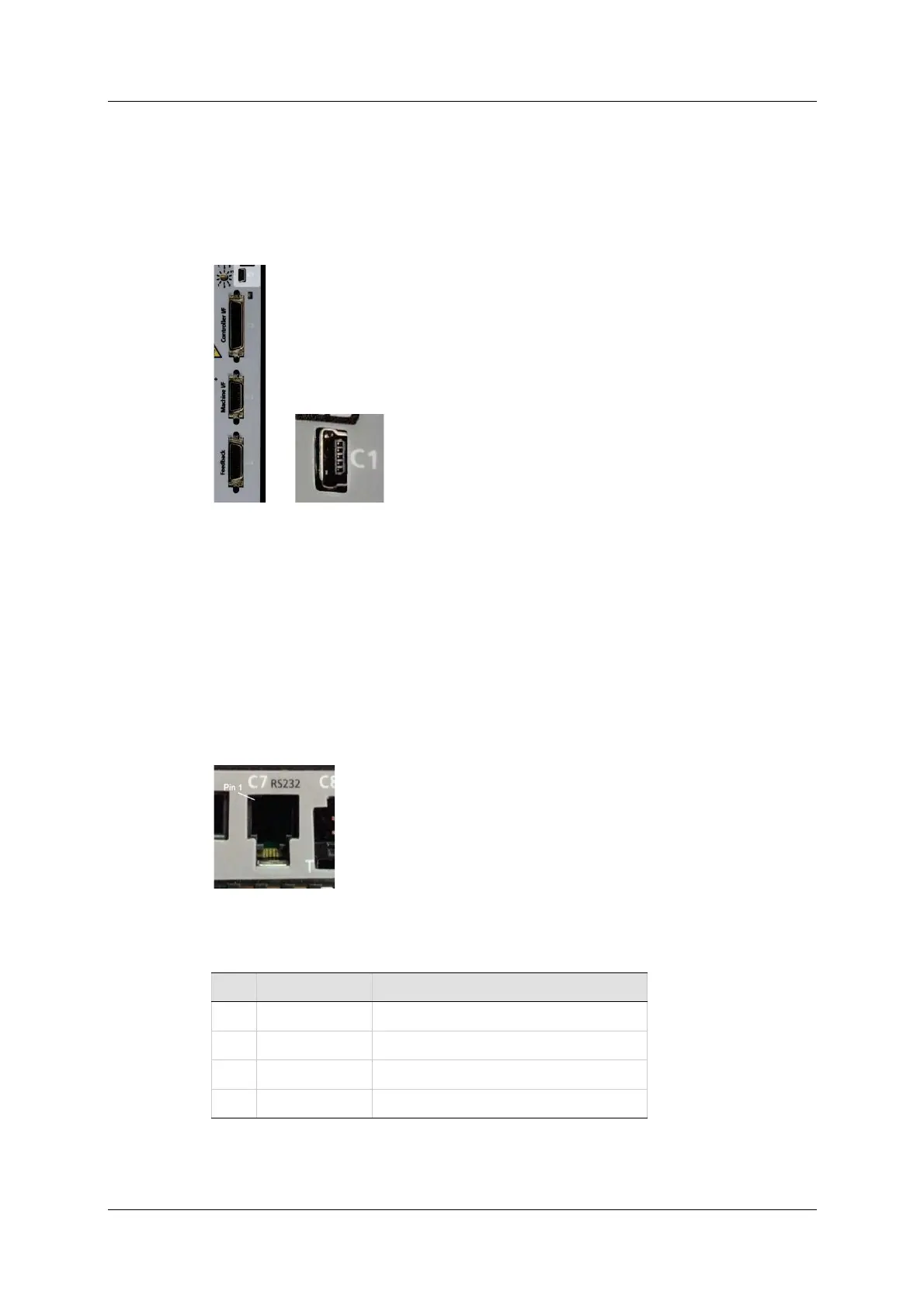
USB port . The interface is labeled C1
(Exception: AP models do not have a USB port .)
Use a USB 2.0 A t o Mini-B cable.
Figure 5 - 1 1 . USB Por t
The first tim e the drive is connected to the host computer on the USB port,
Windows may detect the device and display a Found N e w Ha r dw a r e
wizard.
N ote: 64-bit editions of Windows require digitally signed drivers. CDHD
soft ware includes an unsigned USB driver. To inst all the USB driver, you
must first disable driver signature verification (
Exam ple).
RS2 3 2 port . The interface is labeled C7 .
(Exception: EB m odels do not have an RS232 port .)
Use a 4p4c plug.
Figure 5 - 1 2 . RS23 2 Por t
Table 5 - 3 2 . RS2 3 2 I nte r face
Pin Pin La bel Fu nct ion
1 RX Receive
2 GN D I SO Ground
3 TX Transm it
4 Unused



 To Next Page