Tuning CDHD
206 User Manual
9 .6 Recording and Eva lua ting Pe r for m ance
9 .6 .1 D ia gnostics
After autotuning has been completed, the system may display behavior that is
less than optim al, such as:
Servo m otor is audibly noisy.
Servo m otor is very hot .
Perform ance is not consistent.
Foldback occurs; that is, the m otor dem ands a level of current that drive
cannot handle continuously.
Jerk in system .
Jerky m ovem ent s.
Excessive overshoot results in hitting application mechanical limits.
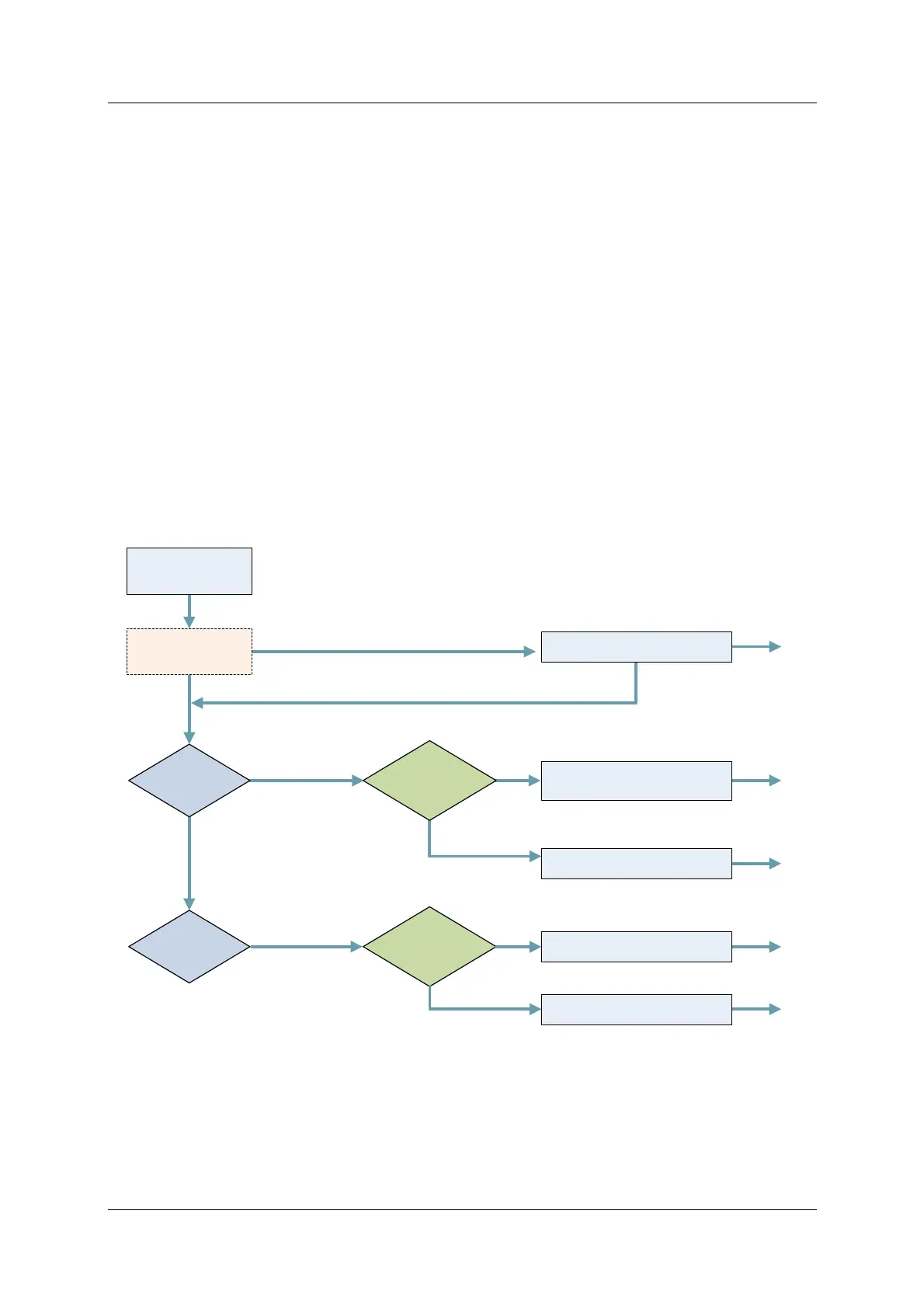
The following diagram out lines the procedures for diagnosing syst em behavior
and applying filters to improve performance.
Figur e 9 - 1 6 . Pe r form ance Diagnostics
The CDHD recording function is used for performance verification, tuning and
debugging. ServoStudio provides a full-featured graphic interface for recording,
plotting and m easuring data. Refer to the ServoStudio Reference Manual for
details.
PTPVCMD
is smooth
Record
ICMD, PE
Above 300 Hz
End
End
End
End
End
Yes
No
Yes
No
Apply Gearing Filters
Adjust Low Pass Filter, if necessary
Acoustical Noise
Apply Move Smoothing Filter
Apply Notch Filters
Reduces jerk when system is jerky
or input command produces jerk
Apply Anti-Vibration Filters
PTPVCMD
is not smooth
Oscillation at
fixed frequency
at different speeds
Smooths the discrete input command
(e.g., P&D command)
Autotuning
Apply Low Pass Filter
Gearing Mode
Record
PTPVCMD



 To Next Page