CDHD Drive Setup
User Manual 129
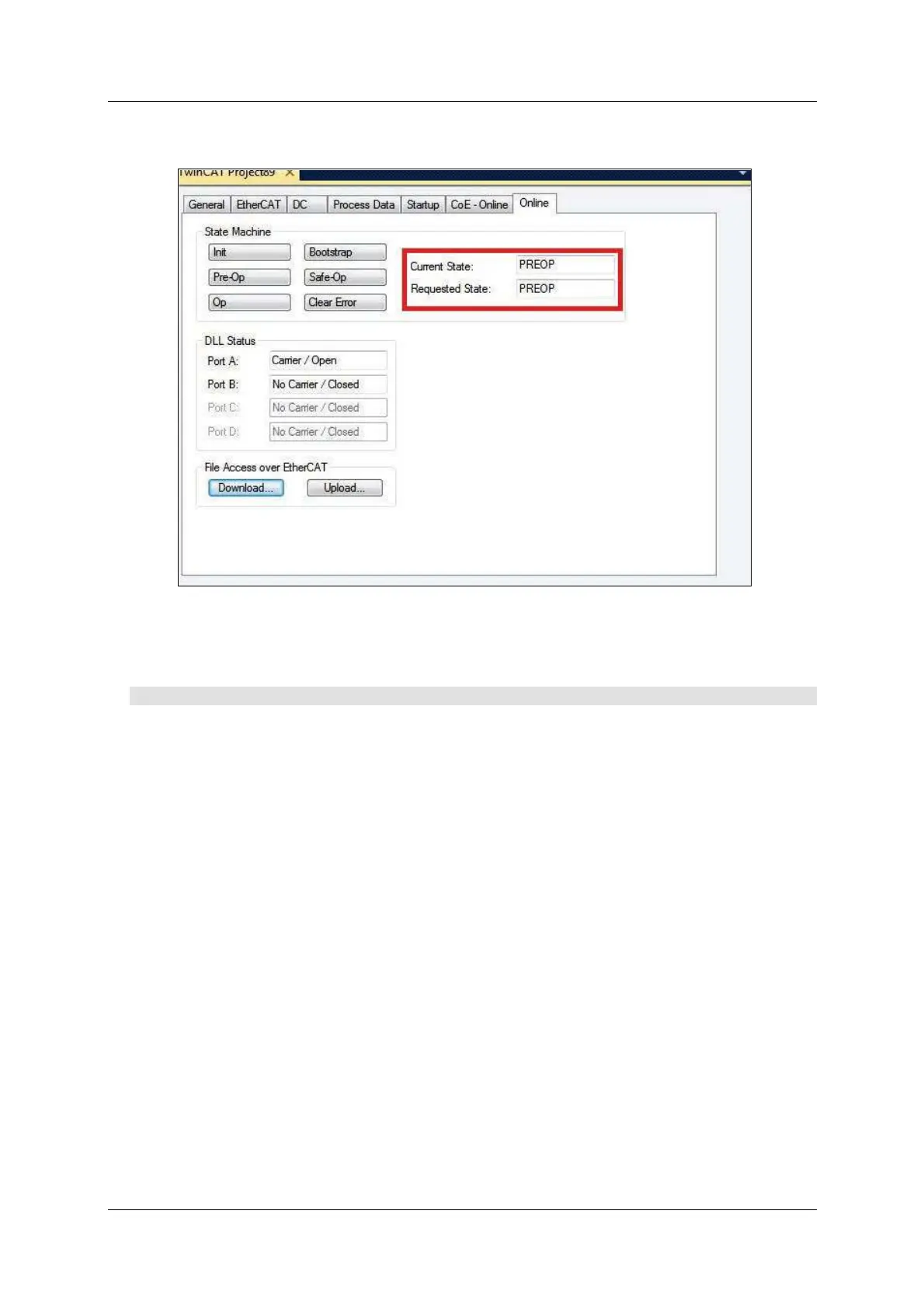
9 . When the firmware updated is com pleted, the Current State switches from
BOOT to PREOP.
Figur e 5 - 3 7 .
5 .1 0 .5 Resum ing Ope ration Aft e r Fir m w ar e Updat e
Procedu re – Resum in g Opera t ion After Firm w ar e Upda te
1 . Go to the ServoStudio Drive I nfo screen in ServoStudio, and check the
drive firmware version to verify that the new firmware has been loaded.
2 . Open the Ba ck u p & Re st or e screen, and click the Restore button to
reload the previously backed up parameters the drive
3 . Check the version release not e, and set any paramet ers that m ay have been
added to the new version.
4 . Save the param eters t o the non-volatile param et er mem ory: either execute
the serial comm and SAVE com m and, or click the Save button on the
ServoStudio toolbar.
5 . Cycle power, and run the machine. If m achine behavior has changed,
contact Technical Support.
5 .1 0 .6 Em ber Mode
Ember is t he process used for burning new firmware on the drive’s flash
mem ory. The drive must be in the Em ber m ode for the firm ware t o be loaded.
The drive has two Ember m odes, Software and Hardware.
Norm ally, you can and should communicate with the drive in Software Em ber
m ode for loading new firm ware.
However, if the firm ware loading process has been interrupted and you are
unable to establish communication with the drive, you need to use the Ember
Hardware m ode.



 To Next Page