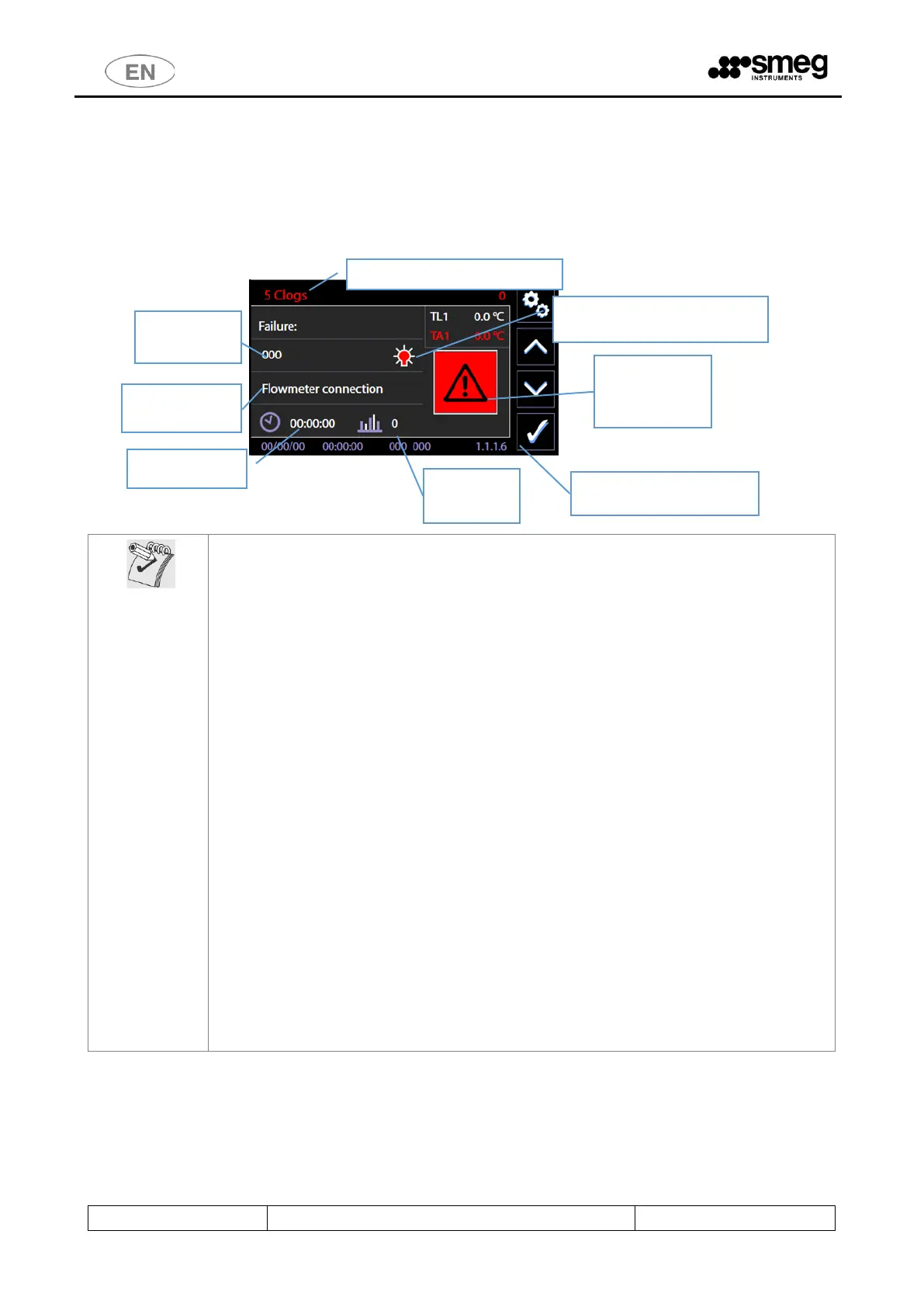
ARISING OF ALARMS – READ CAREFULLY
By arising of an alarm, the device tends to activate safety conditions.
When an alarm arises it is necessary to: read carefully in the table the code meaning and the
applicable countermeasures. Adopt advised countermeasures case-by-case.
The typical actions charged to the user are, for simplicity, hereinafter summarized:
1. DEFAULT ACTION
The event that provoked the alarm may be caused by a temporary anomaly.
Wait until the device independently manage the anomaly to restore safety conditions. The
“light bulb” icon flashes during handling. It is steady on after the management has finished. At
the end of the handling, the “CONFIRMATION” button and the “tick” symbol appear on the
screen. The user can select it to accept and confirm awareness. Press the “CONFIRMATION”
button.
2. RECOVERY ACTION
Wait until the device independently manage the anomaly to restore safety conditions. At the
end of the management, the “CONFIRMATION” button and the “tick” symbol appear on the
screen and the user can select it to confirm awareness. Press the “CONFIRMATION” button.
Please switch off through power disconnector switch and switch on again through the same
device. (Please wait at least 10 seconds from the switching off and the following reactivation).
3. SAFETY: In the case the alarm, even after the procedures, persists.
1. Turn off the water supply valves.
2. Disconnect the device electrical supply.
3. Verify that the device connection conditions (water and electrical conditions) are
correct and that no variations occurred, as compared to the initial installation
conditions.
4. Contact technical support.



 To Next Page